Flow 2.2 · The Night Shift
Wake up to what changed.
Set the jobs and the hours. Return to a Morning Briefing and marked changes. Keep a change, revert that part, or decide later.
Explore the product tour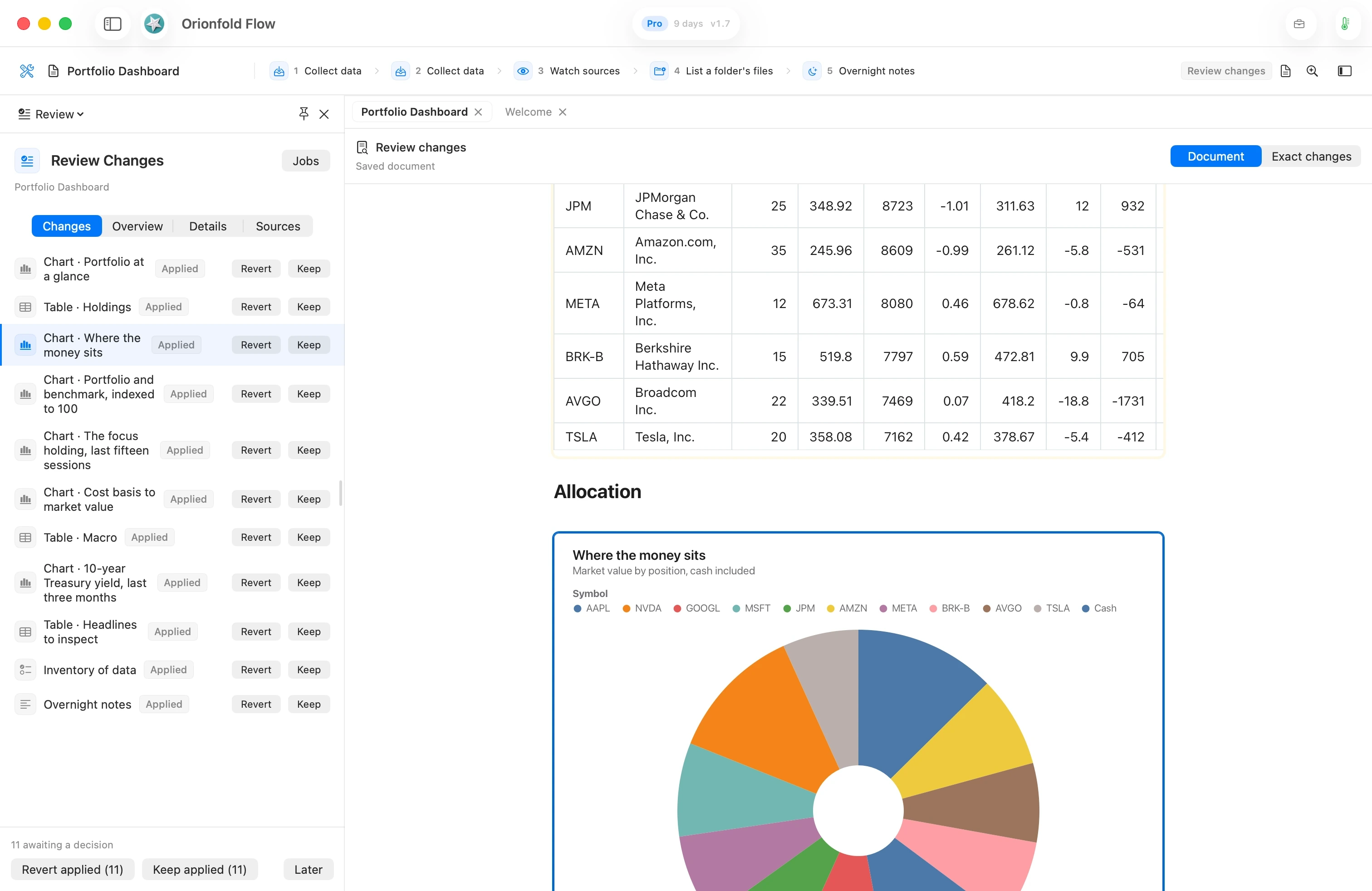
Watch · 78 seconds
Jobs that run while you sleep.
A short reel. Your documents get jobs, Flow works them on your Mac at night, and in the morning you review what changed.
Watch on YouTube01 · Set the rhythm
The work has a night shift.
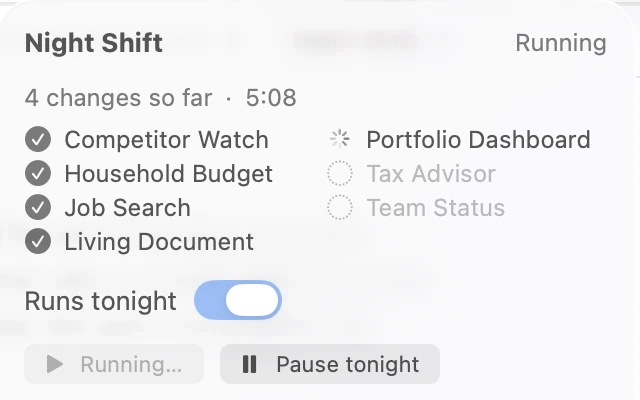
Choose a window in Settings. When your Mac is plugged in and idle, Flow works the folders you have open, even with the app quit.
- The starting window is 2:00–6:00 AM. Change it to suit your day.
- Catch up on wake gives a missed night another chance. A shift does not run twice in one night.
- Use Run now to watch a shift, or pause tonight from the moon menu.
02 · Read what moved
One briefing. Your documents.
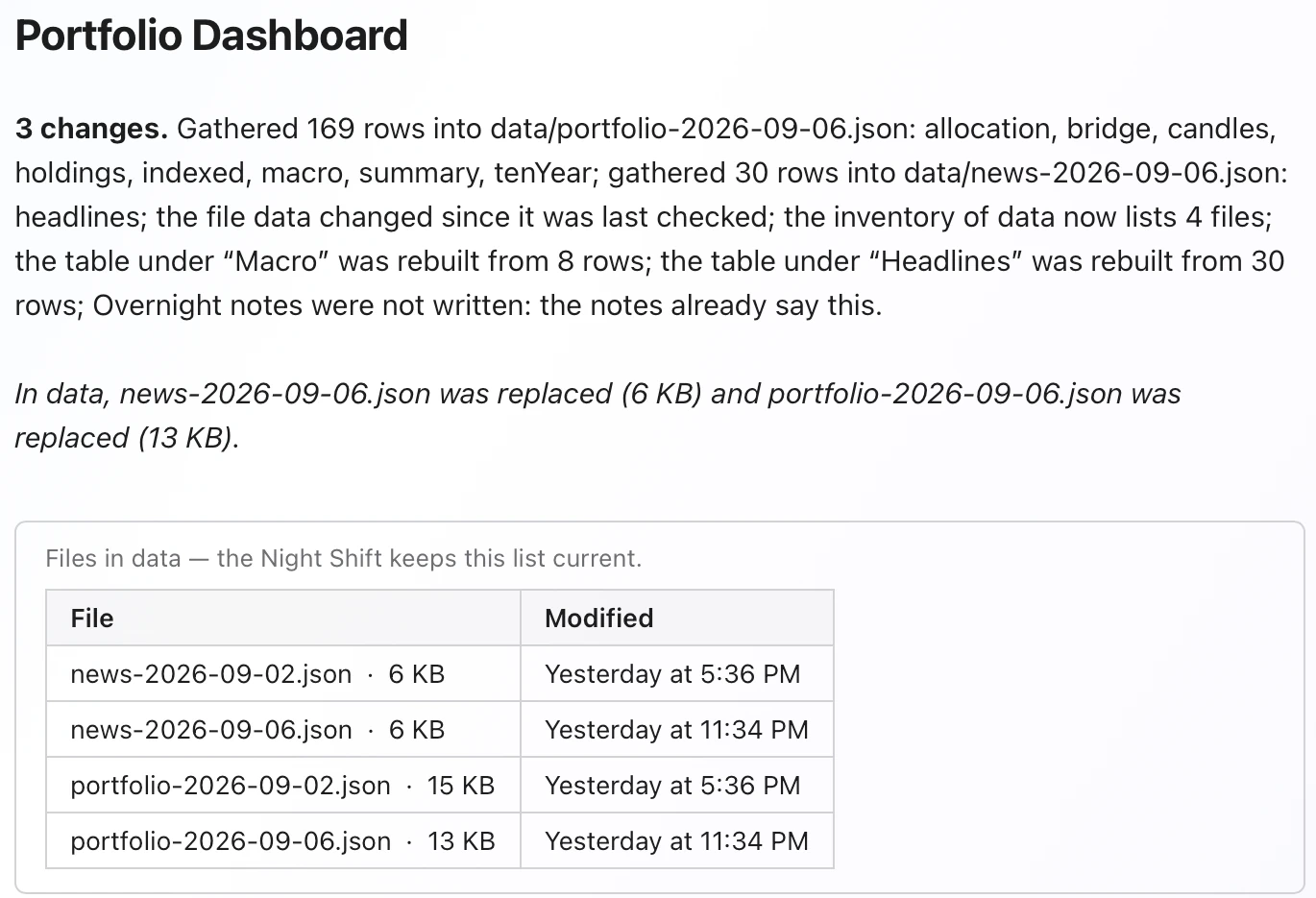
The Morning Briefing lives in the Flow Guide folder. It gives each changed document a section, describes what moved and shows its changed chart or table.
Open the document or go straight to Review. Also changed, Still to review and Unchanged keep the rest of the run visible. Earlier briefings stay in History.
03 · Keep the final word
Marked changes. Reversible work.
Overnight changes are applied and marked in the document. Review them in the Workbench beside it: select a row to find the changed part, then inspect Document or Exact changes.
Keep records your review; Revert puts that part's earlier lines back. Later leaves the decision pending. Use Keep applied or Revert applied to decide the remaining applied changes together.
Each overnight write is a version you can return to, with a receipt naming the run. The Night Shift only works documents that declare jobs.
What each plan adds
The routine is free. Pro adds notes.
Night Shift Base
Collect data from definitions. Watch named sources. List a folder's files. Redraw bound charts and tables. Get the Morning Briefing and Review Changes.
These jobs run on every plan, including Base.
Night Shift Pro
Overnight notes adds a few sentences about the page's numbers, written by a model on this Mac after the redraw.
Every number is checked against a source row or withheld with the number named. Notes are marked, reviewable and receipted with the model.
Night Shift notes stay on this Mac. Watching an HTTPS page makes a request to the source you listed. Local work has no provider token charge; Pro is a paid Flow plan.
Make it yours
Start with one recurring document.
Choose Start with useful work, create your own copy, and inspect its Jobs in the Workbench. Replace the sample inputs before relying on the result.