Living Documents
A document that keeps up.
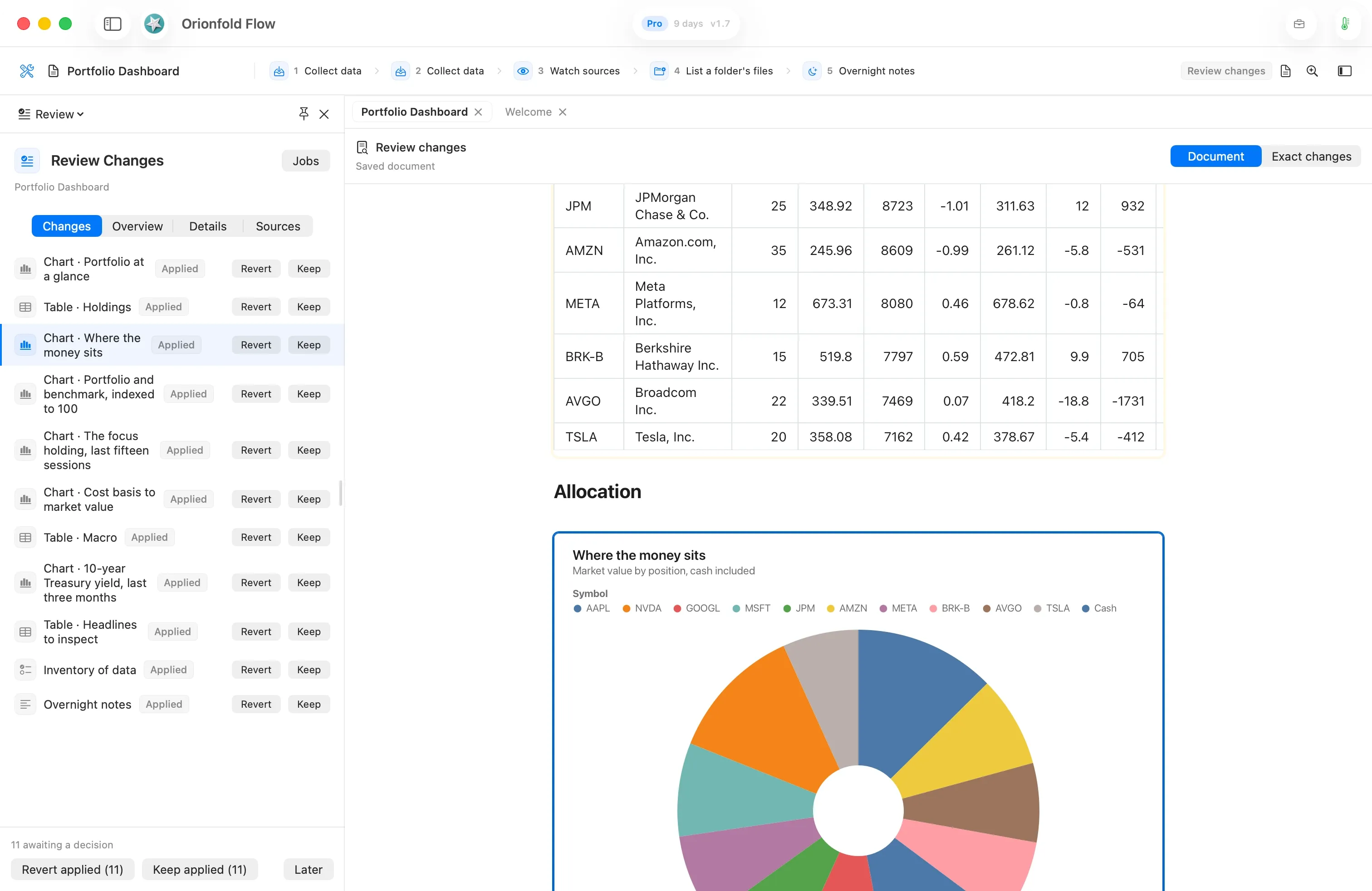
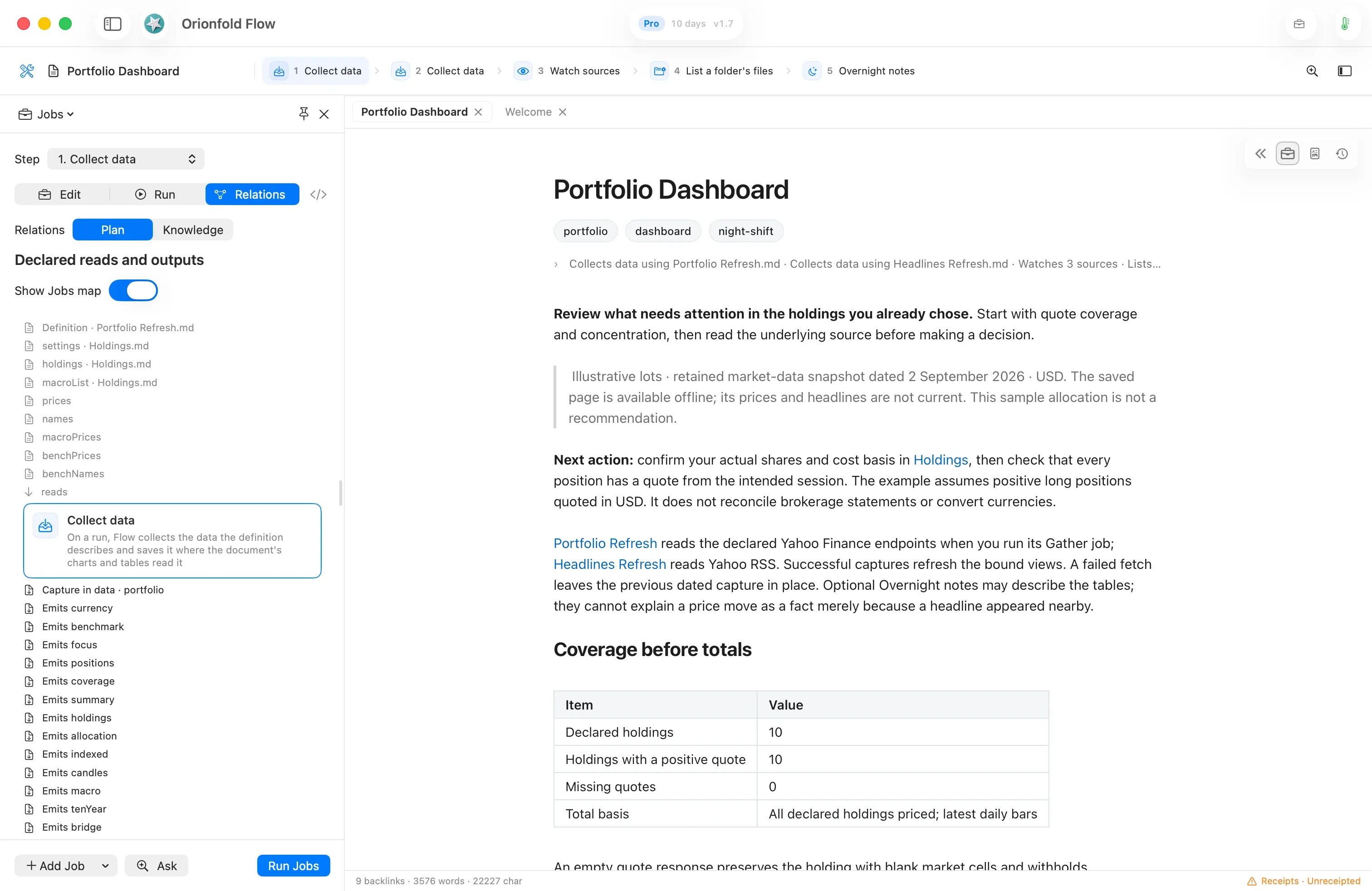
Start with 28 Living Documents. Inspect their Jobs, connect data to charts and tables, and review the work in files you own.
Explore Living DocumentsProduct tour
Real Flow screens. Start with Living Documents and the Night Shift, then explore the writing, files, models and evidence underneath.
Flow 2.2
A document you own. Jobs you can inspect in the Workbench. Changes you decide to keep. See how the three parts work together.
Living Documents
Start with 28 Living Documents. Inspect their Jobs, connect data to charts and tables, and review the work in files you own.
Explore Living DocumentsThe Night Shift
Set the jobs and the hours. Return to a Morning Briefing and marked changes. Keep a change, revert that part, or decide later.
Explore The Night ShiftSettings
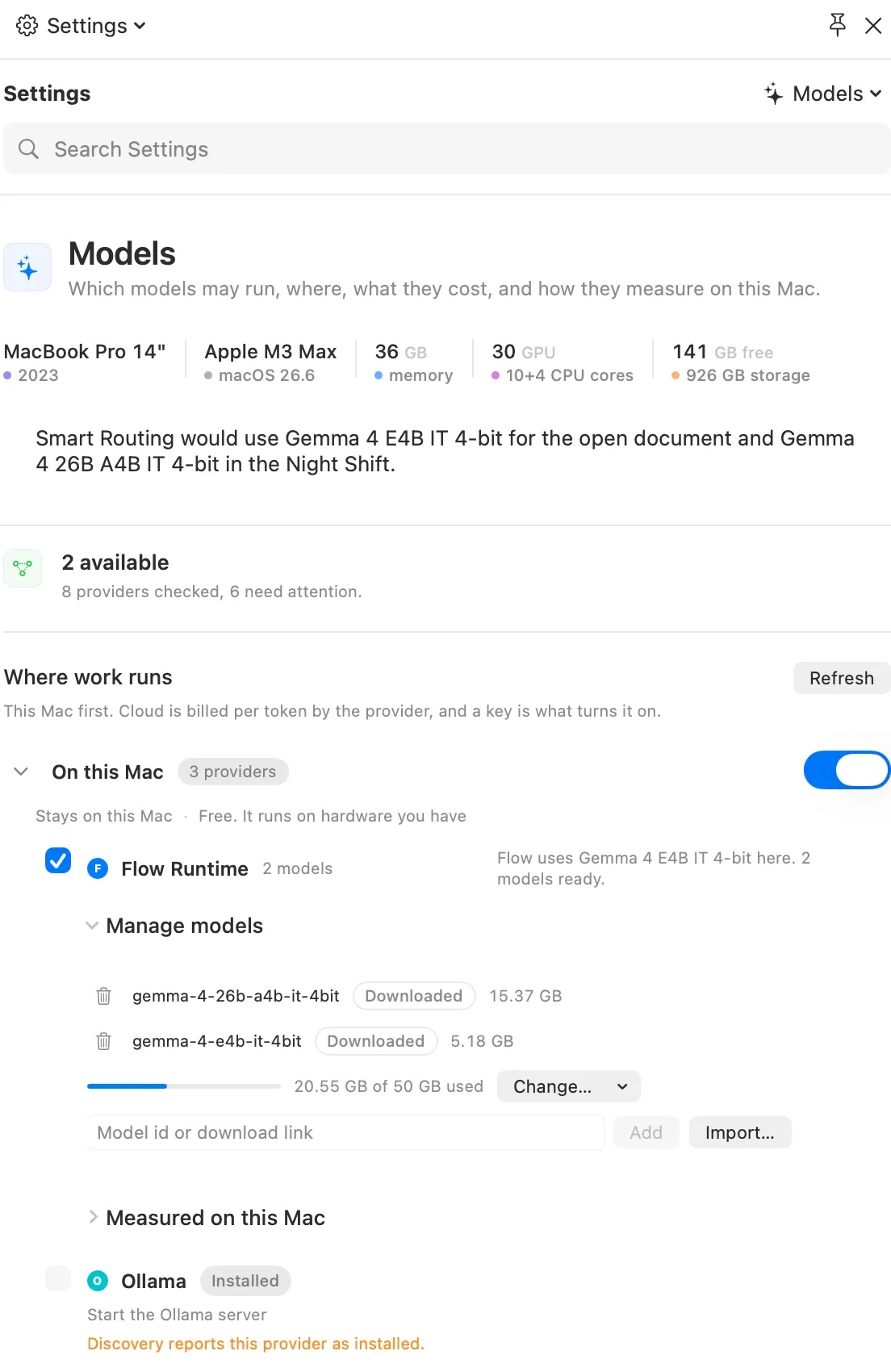
Keep Settings beside your document. Inspect models, storage and measurements, and choose what can leave your Mac.
Explore SettingsThese product details show Flow 1.7 (2173), captured September 16, 2026. Example documents use sample data. Earlier detail images in the deeper tour are dated where shown.
The foundations
Part 1 · Writing with AI
4 chapters
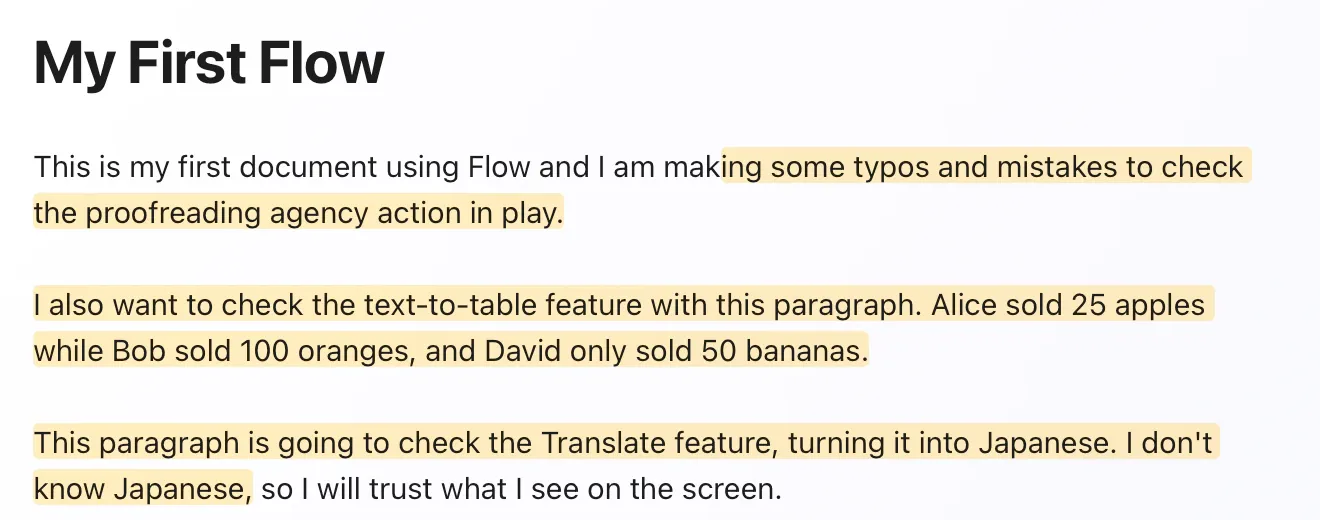
Seven focused actions help draft, check, translate, structure, source, and visualize your work. Every result arrives as a review you approve before it changes the file.
Part 2 · Documents and files
5 chapters
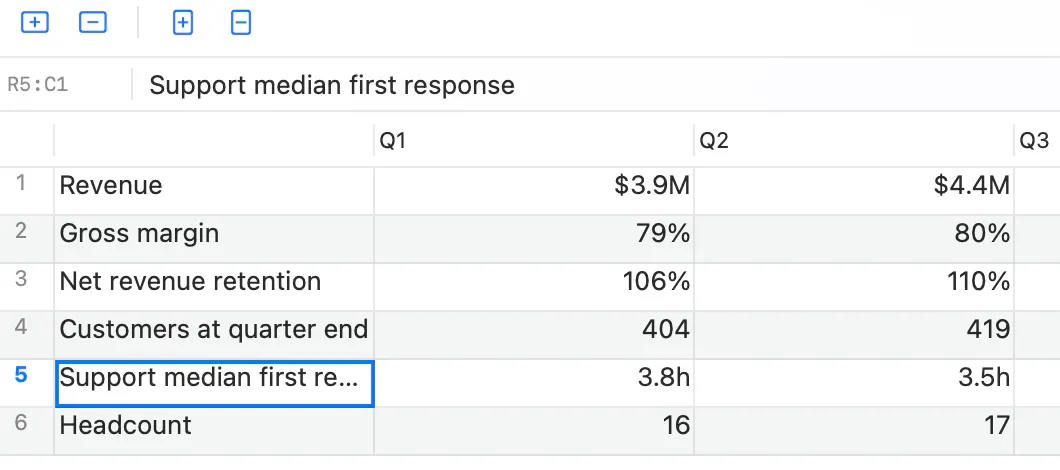
Search, tables, charts, diagrams, and pictures work directly on ordinary Markdown folders. Flow adds a better workspace, not a private file format.
Part 3 · Models and runtime
4 chapters
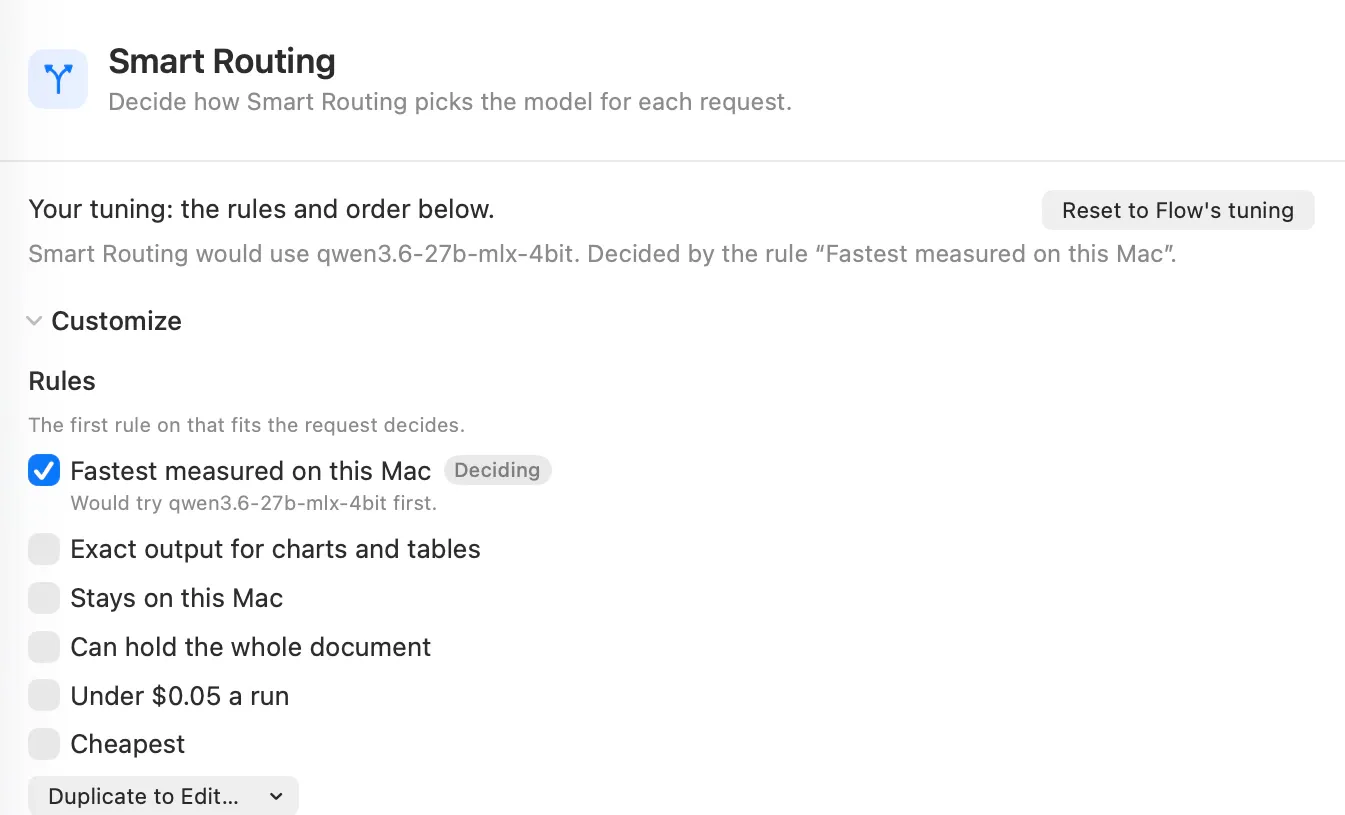
Keep work on your Mac or route to cloud API providers you choose. Flow shows the place, model, rule, and cost before the run.
Part 4 · Receipts and evidence
2 chapters
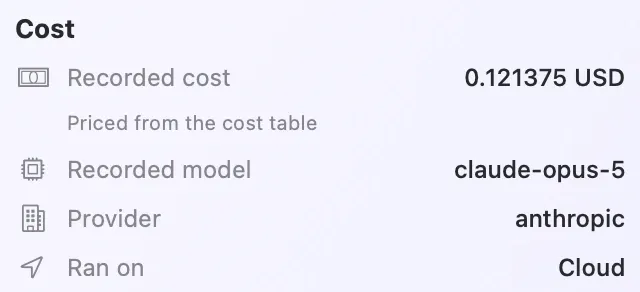
Every approved run records the model, location, cost, checks, evidence, and saved change. Benchmarks show how local models performed on your Mac before you choose.