Product tour · Part 2 of 4
Do more with your files. Keep them yours.
Search, tables, charts, diagrams, and pictures work directly on ordinary Markdown folders. Flow adds a better workspace, not a private file format.
The proof
The file on disk stays ordinary Markdown that any editor can read.
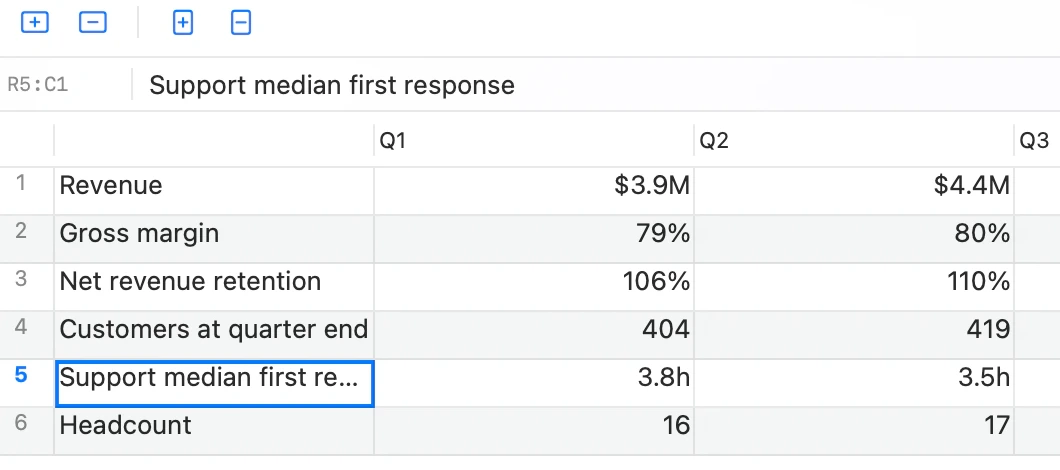
Search
A result you can trace to the line.
Every result carries a path and an anchor into the exact bytes you wrote. Open it and Flow re-checks the passage before highlighting it. Moved text is found again. Missing text is reported, never replaced with the wrong match.
- 22.3 ms at the 95th percentile across 10,000 notes; first full index in 1.1 seconds.
- Open, unsaved edits win over the on-disk copy.
- Everything stays on-device.
Tables
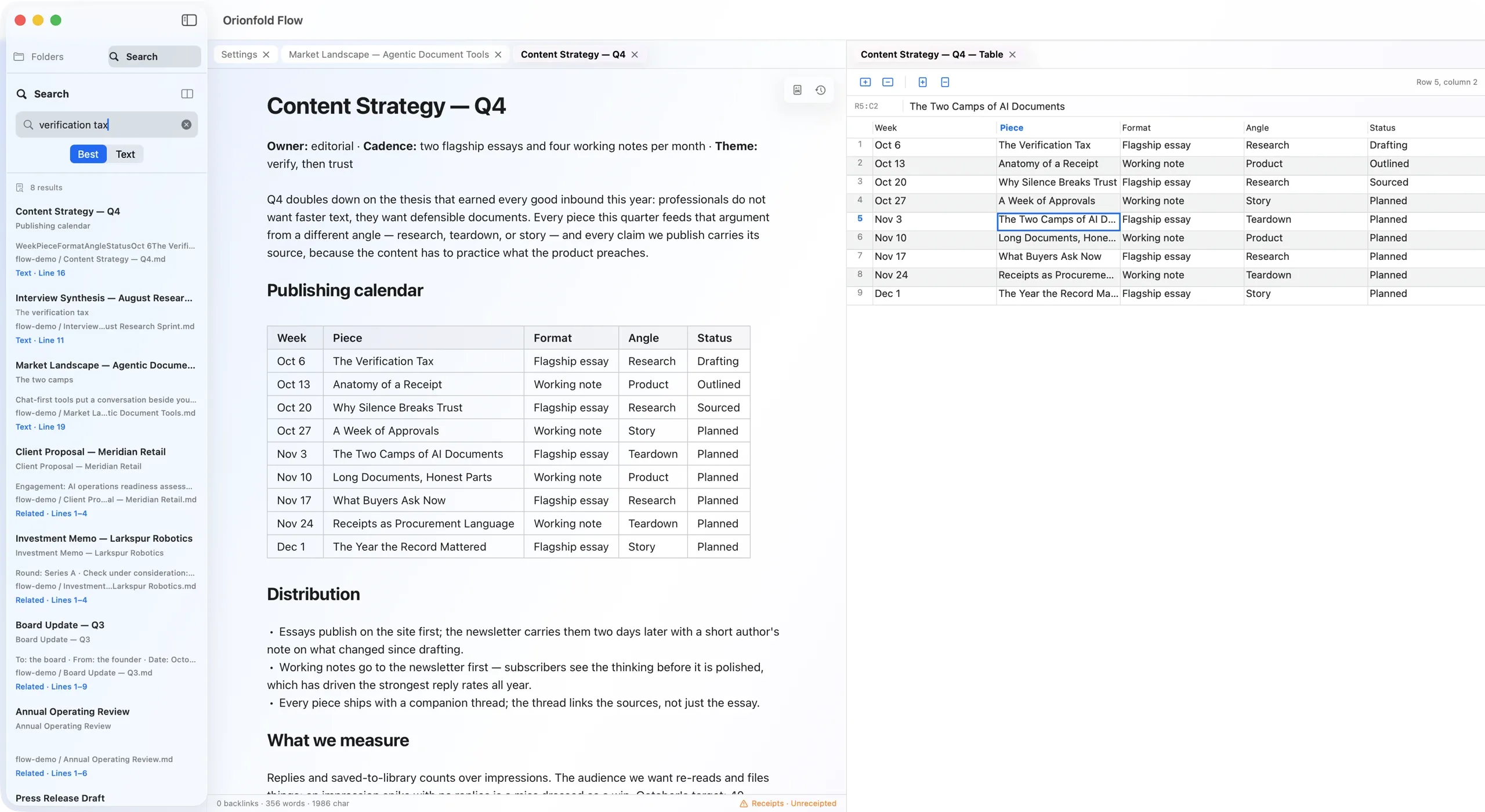
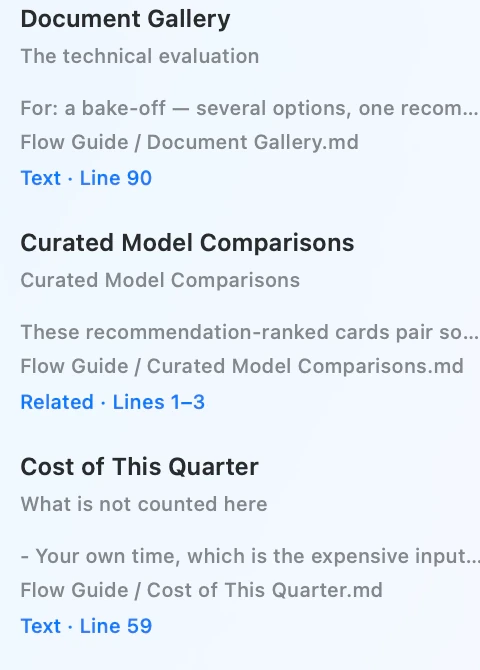
Edit the cell. Keep the Markdown.
Flow gives a Markdown table a spreadsheet-style grid. Edit one cell and only that cell changes; the rest keeps its spacing and alignment character for character. Saving is still ⌘S, and any text editor can read the result.
Charts and diagrams
Draw the idea from the text.
Flow draws 34 chart types and 20 diagram types from fenced text in the Markdown file. The drawing renders offline in one house style. Click in to edit the text; click out to see the result.
Select a table, list, or paragraph and ask Visualize to add one chart or diagram after the selected text, never in place of it. A proposal Flow cannot draw is never shown. The proposed drawing appears in review before you approve it.
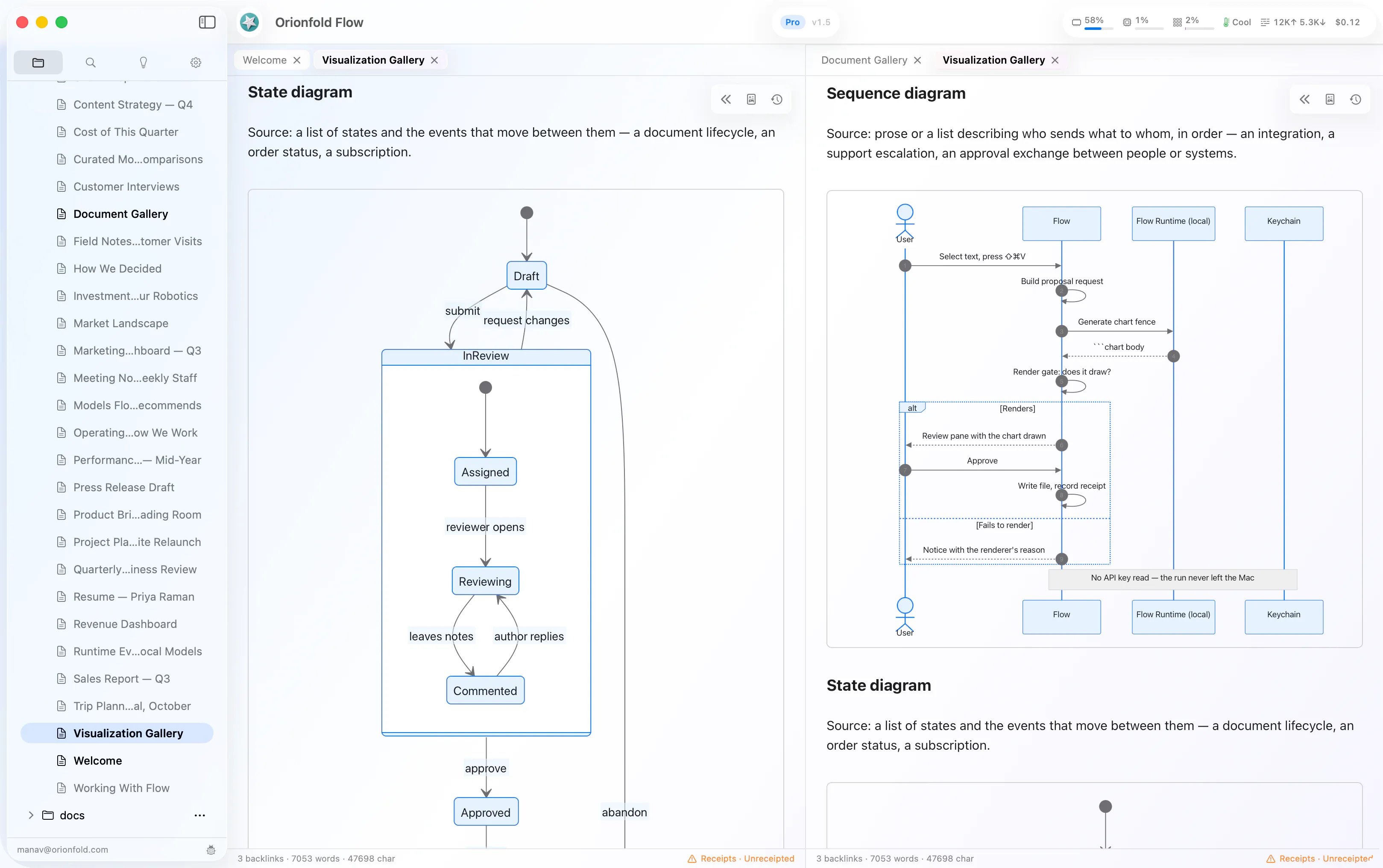
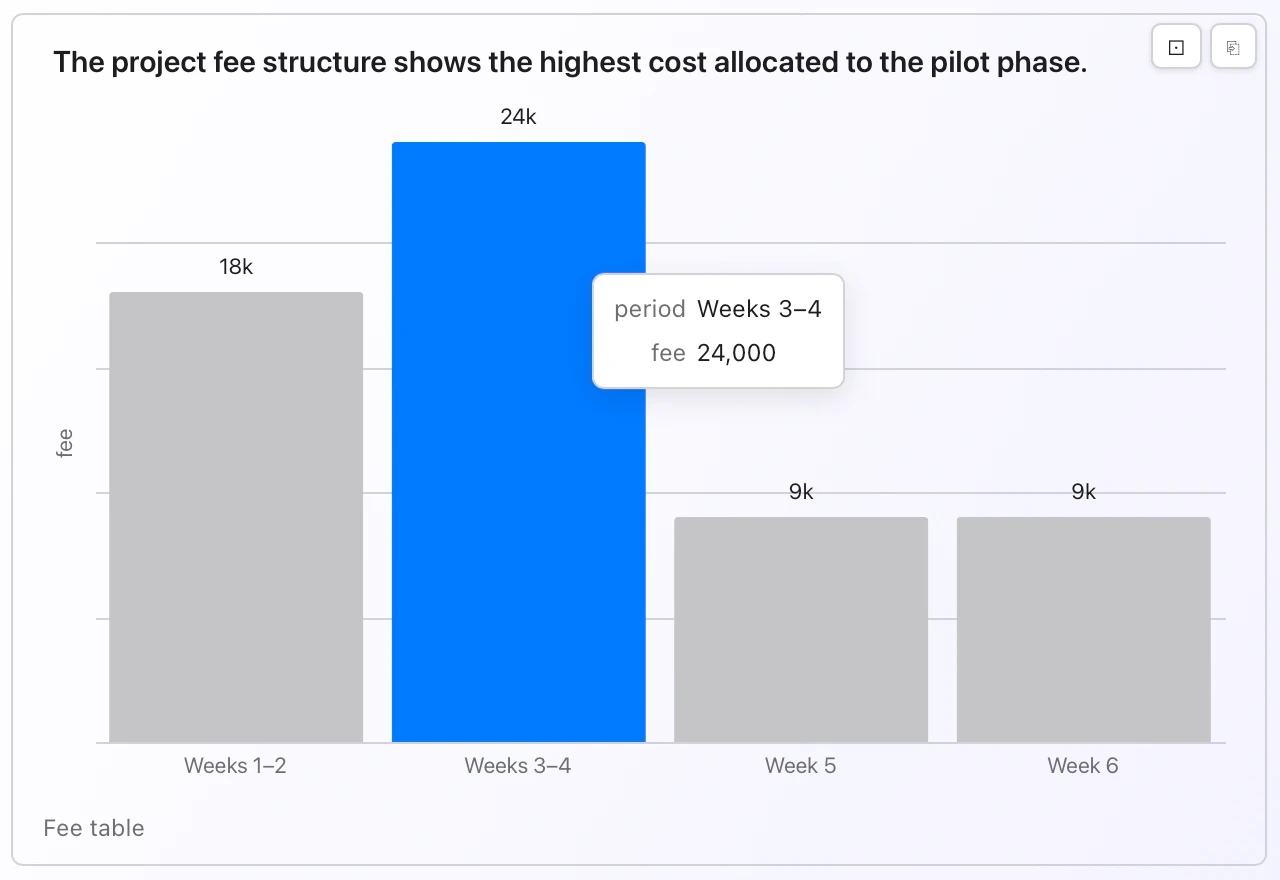
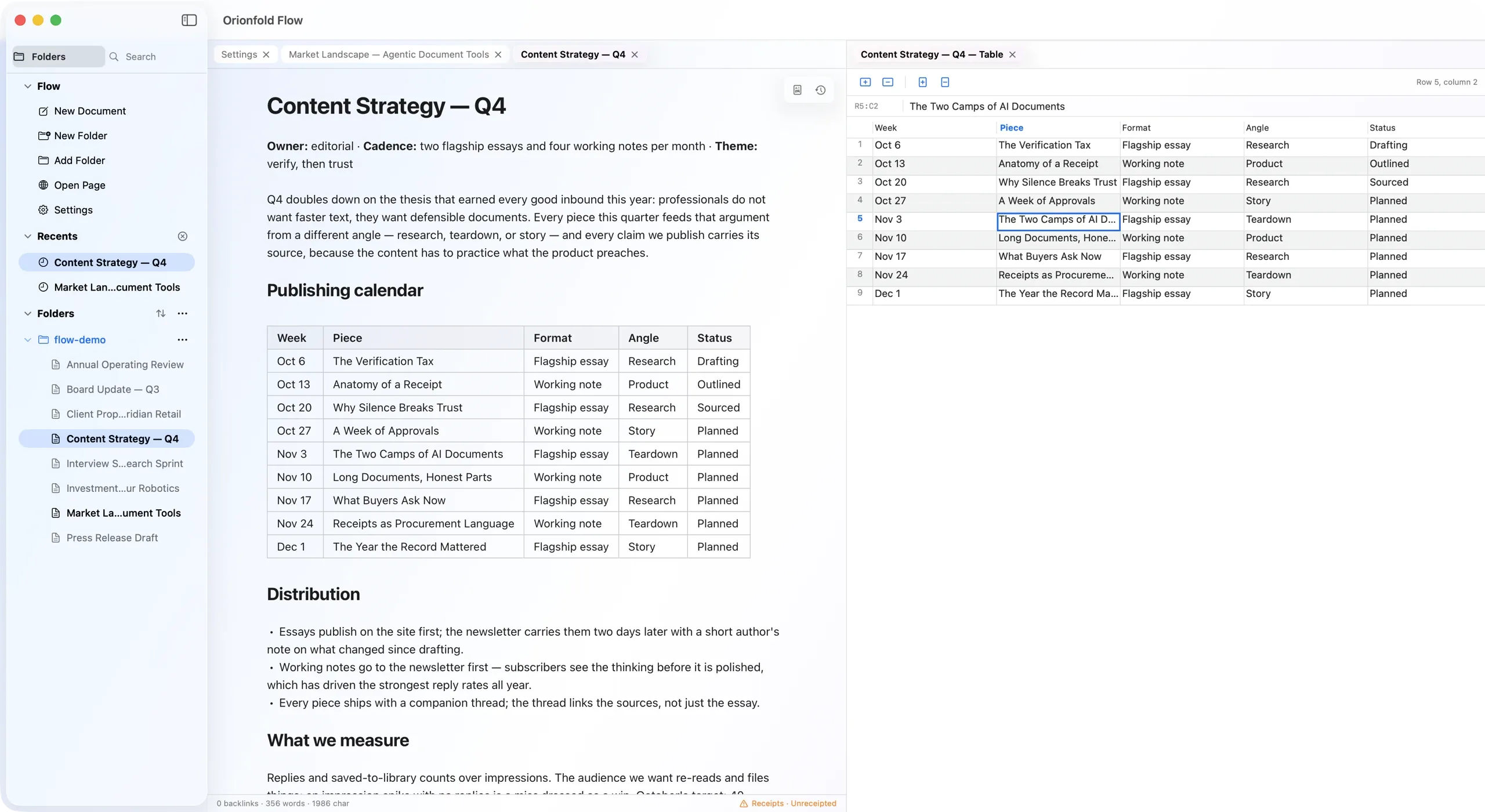
Chart gallery
Choose by the question. Revise in one sentence.
Types are grouped by comparison, change, composition, distribution, and diagram. Ask Flow for a revision, review it, then Apply. ⌘Z takes it back because the note remains the source of truth.
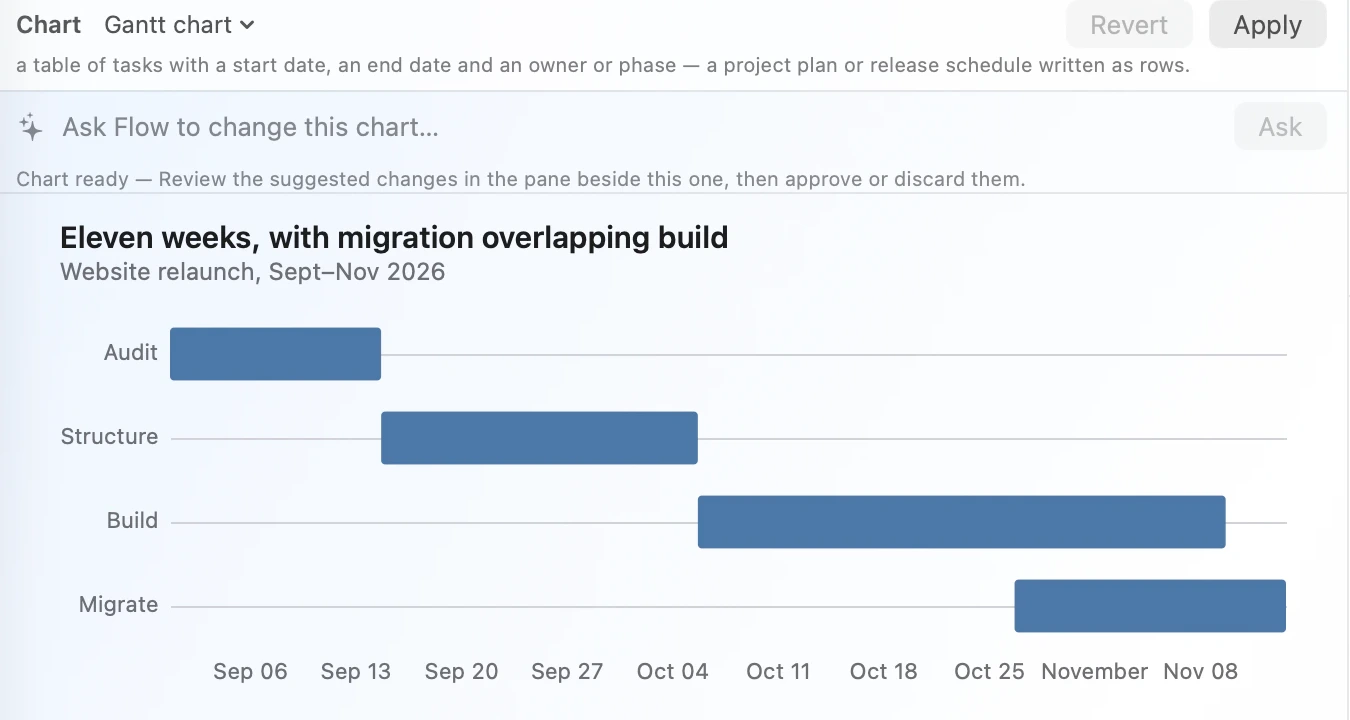
Captured 2026-08-26 on the installed release build 1255 (v1.5). All names and numbers in the examples are Flow Guide demo material: invented demo data. Designed layout blocks are a separate, later goal, and are not claimed here.
Pictures
Change the picture. Keep the line.
Open a picture in Flow's gallery, choose another file from the same folder, and the document updates one Markdown line. Nothing else moves. The folder is the collection; Flow uploads, indexes, and duplicates nothing into a private library.
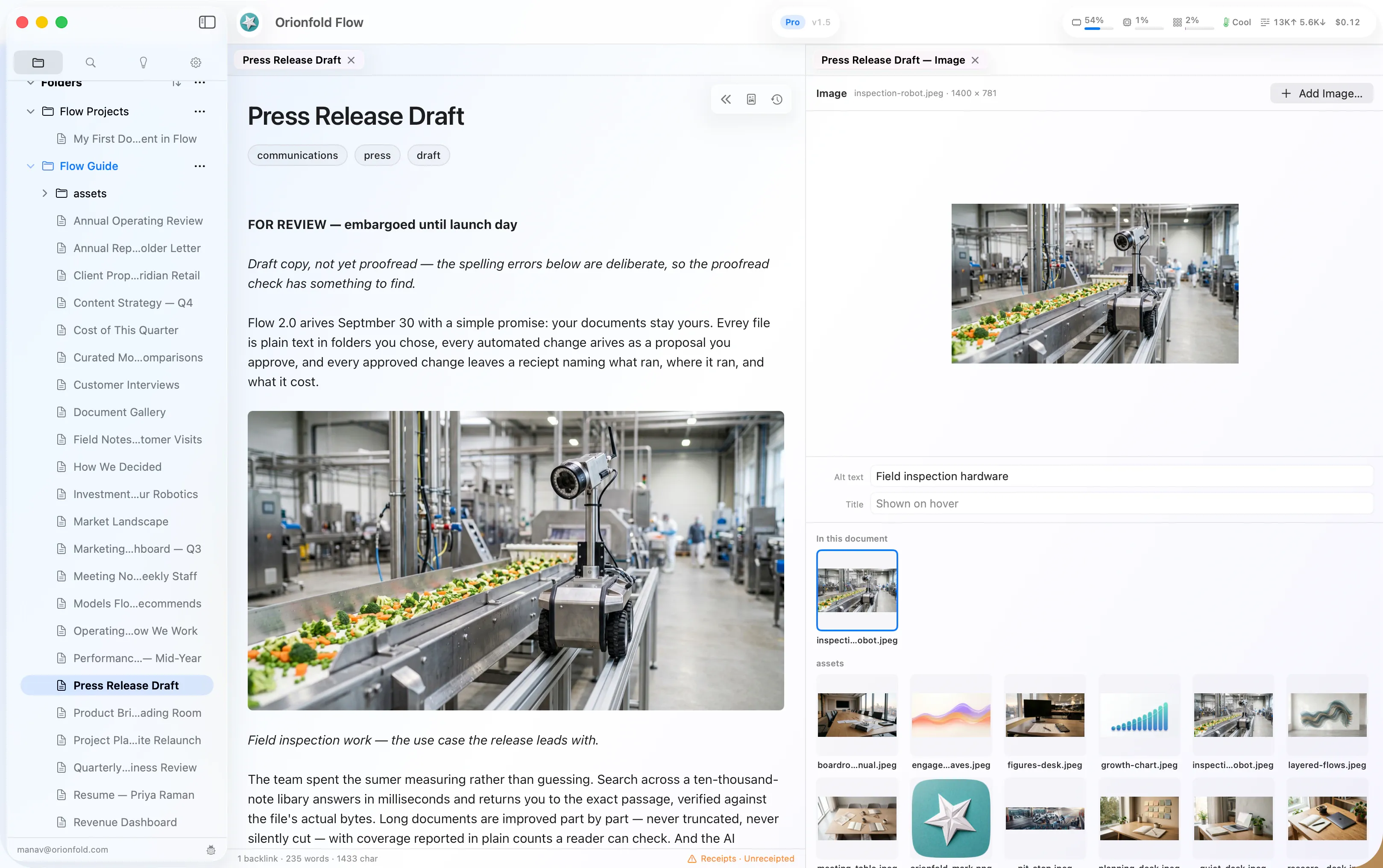

Your folder, on screen
Add by file, drop, or paste.
Flow copies a new picture into the folder and never moves the original or overwrites different bytes under the same name. Alt text and title are yours to type. Cropping, filters, and private Markdown syntax stay out.
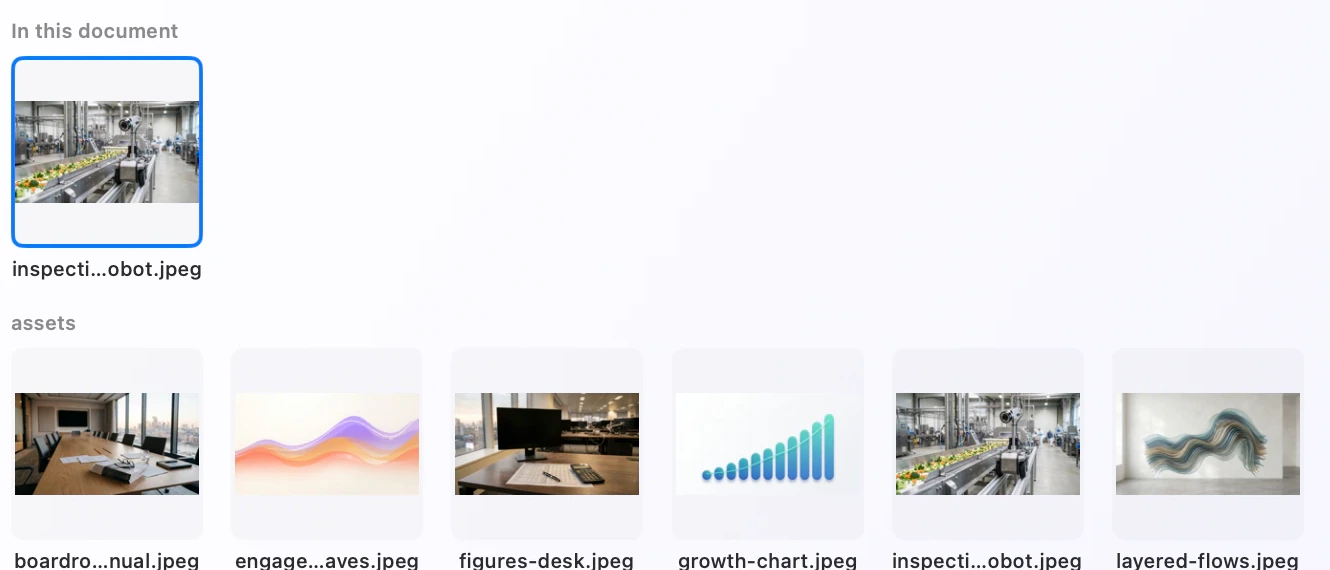
What the gallery changes, and what it does not
- The gallery proposes nothing and writes nothing on its own. You type the alt text and title.
- A swap changes that one line. Opening and browsing changes nothing on disk, byte for byte.
- Flow keeps no library of its own. It copies a new picture into your folder, so the original stays exactly where it was, and it never overwrites different bytes under the same name.
- No cropping, resizing, or filters. Markdown has no portable way to preserve them.
Captured 2026-08-26 on the installed release build 1255 (v1.5). The press release and its figures are Flow Guide demo material: invented demo data.
Your files
No import. No library. No silent overwrite.
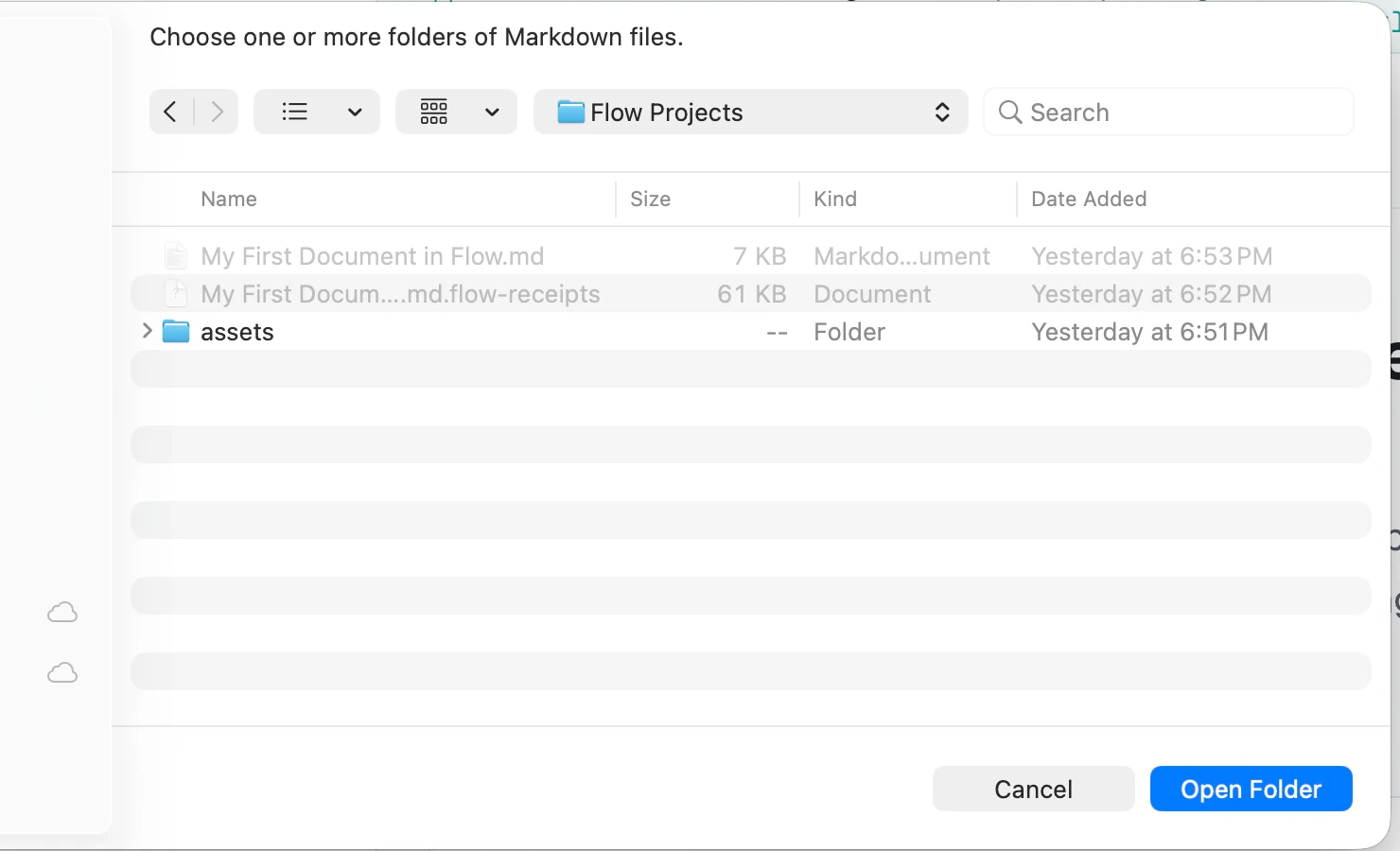
Open ordinary folders and Markdown files. Flow is sandboxed to the folders you choose, refuses name collisions, and sends deleted files to the system Trash. It deliberately does not delete folders.
Your document stays on one primary surface. Open Jobs, Sources, History or Settings in the Workbench beside it, then return to the same file.
Need the exact limits?
Requirements, formats, model states, plan boundaries, and qualified measurements live in Tech Specs.