Bronze
Back the work
$10 / month
- Your name on our supporters list
- A vote on what we build next
- A thank you in the build log
Open software
A second brain on your own desktop. It indexes your notes, grades its own memory against real questions, and refuses any rebuild that makes recall worse. Free, and nothing leaves your machine.

Orionfold Cortex
Orionfold Cortex is a second brain for your own notes, running on your own desktop. It grew out of Orionfold Arena, where it started as the cockpit’s memory pane. Point it at a folder of notes and it builds an index: a fast lookup table that lets you ask questions in plain words and get back the right passages, with a citation for each one. All of it runs on the machine under your desk, and none of it leaves.
An index of your notes is the easiest thing to let rot. You build it once, it works, and then the notes grow, a rebuild quietly drops a tenth of them, and nothing tells you. The number that matters, “does a question still find its answer,” stays invisible until the day it fails you. Cortex makes that number something you can see, chart, and gate on one screen.
Jargon, in plain words: an index is a fast lookup table over your notes. Recall is the share of questions where the index finds the right passage. Provenance just means “where a fact came from,” and Cortex stamps it on every piece it stores.
On its first measured run, over 49 articles split into 313 pieces, Cortex found the right passage in its top five answers 40.91% of the time, and the right note 72.73% of the time, across 44 real questions. Those are the true numbers for the simple baseline it runs today, with no extra ranking step yet. They are printed on the product, not rounded up. The notes have grown since; at the latest rebuild the index holds 328 pieces, every one carrying a stamp that says where it came from.
The first real run also caught a real bug: a missing one-line import that eight unit tests had slept through, because they all used a stand-in instead of the real code. Driving the tool through its own screen found it in minutes. That is the whole idea: a memory you operate, not a black box you hope still works.
Your documents, the index, and your questions all stay on your machine. Only aggregate scores are ever shared, and only if you publish them.
Cortex is a thin surface over the fieldkit toolbox: the memory module owns the index and the source stamps, the Arena control plane runs the jobs, and the same test machinery that grades our models grades the index. The parts already existed; Cortex is what you get when you point them at each other and add the one missing piece, a memory that grades itself.
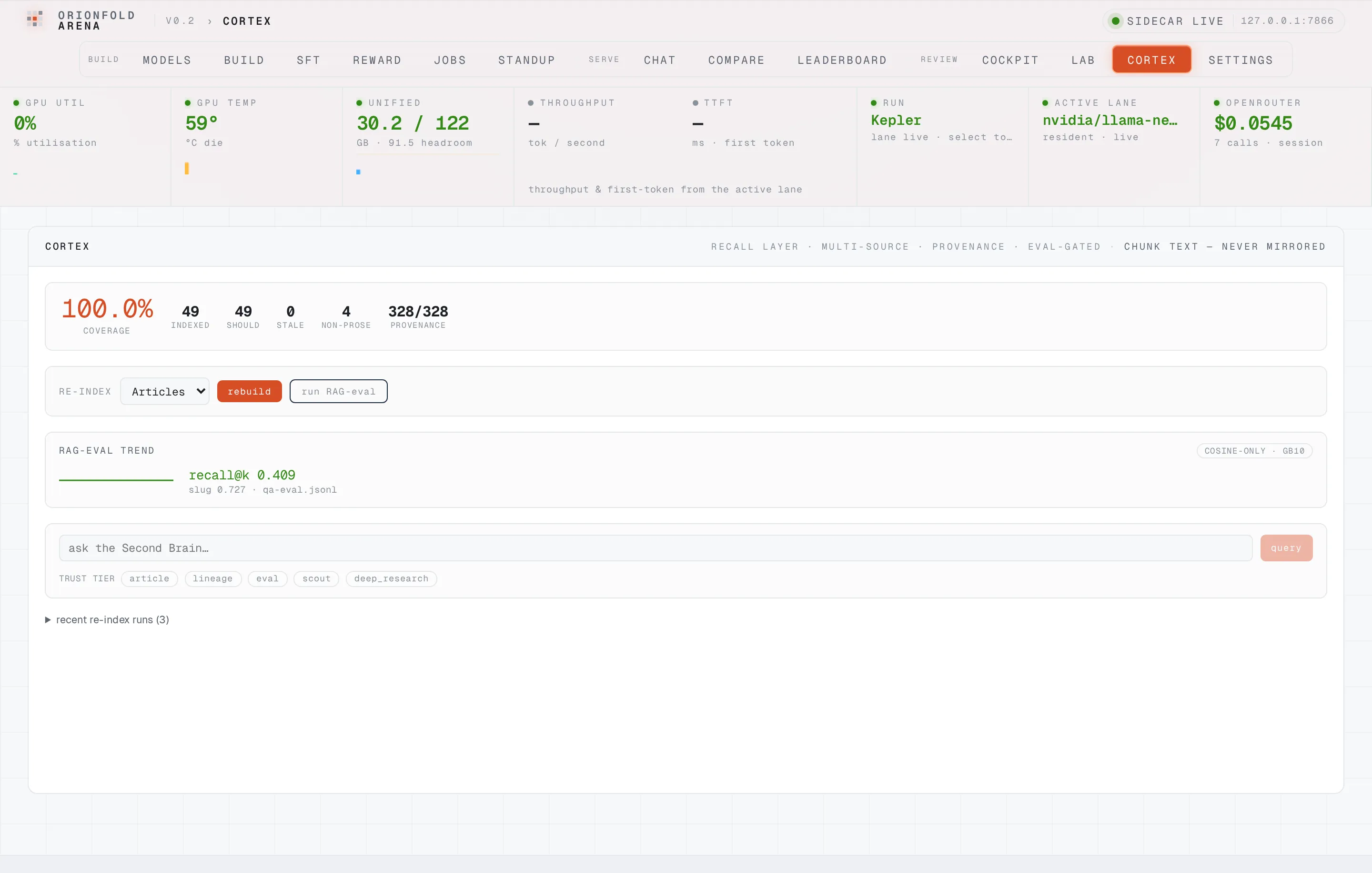
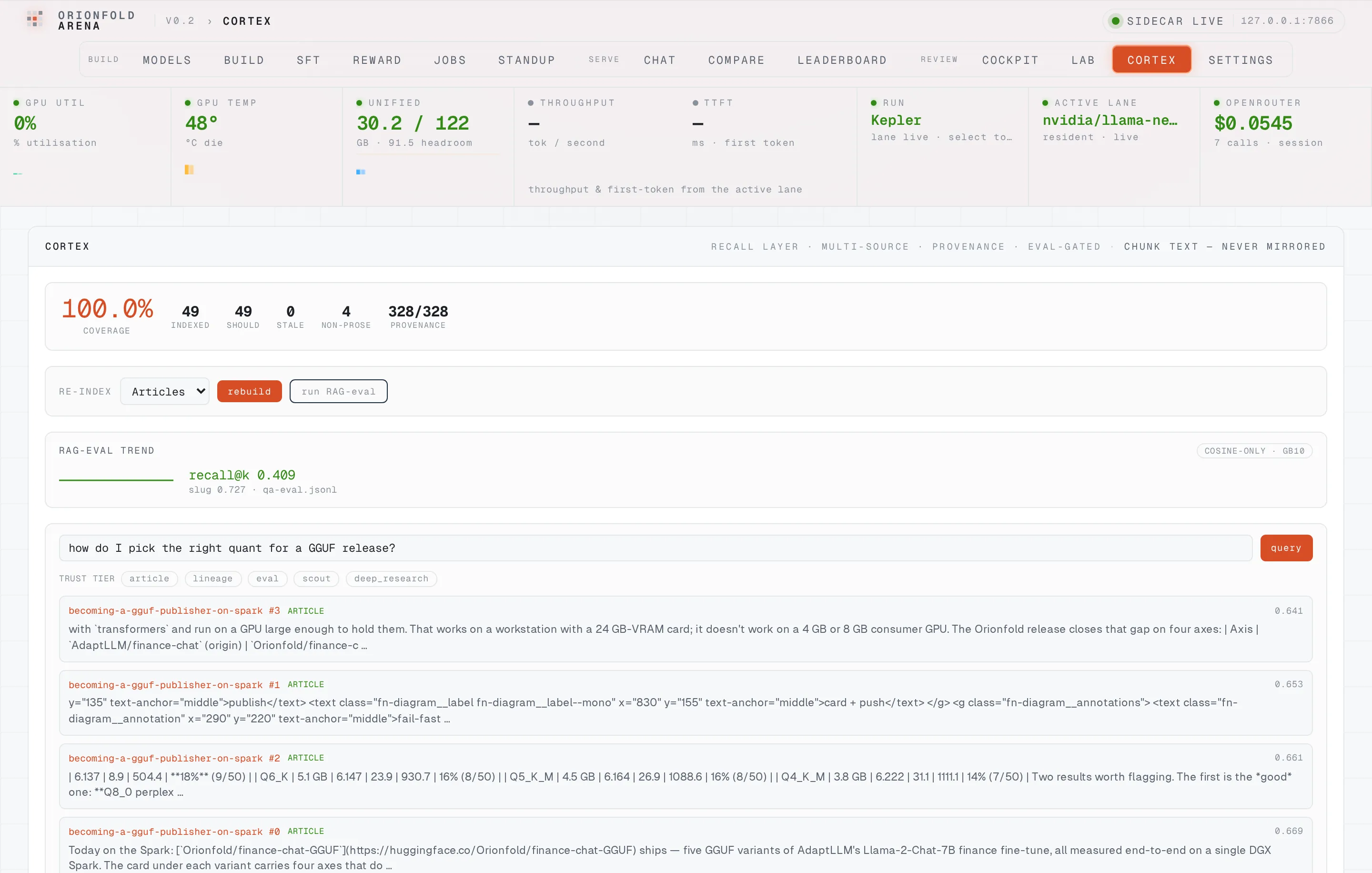
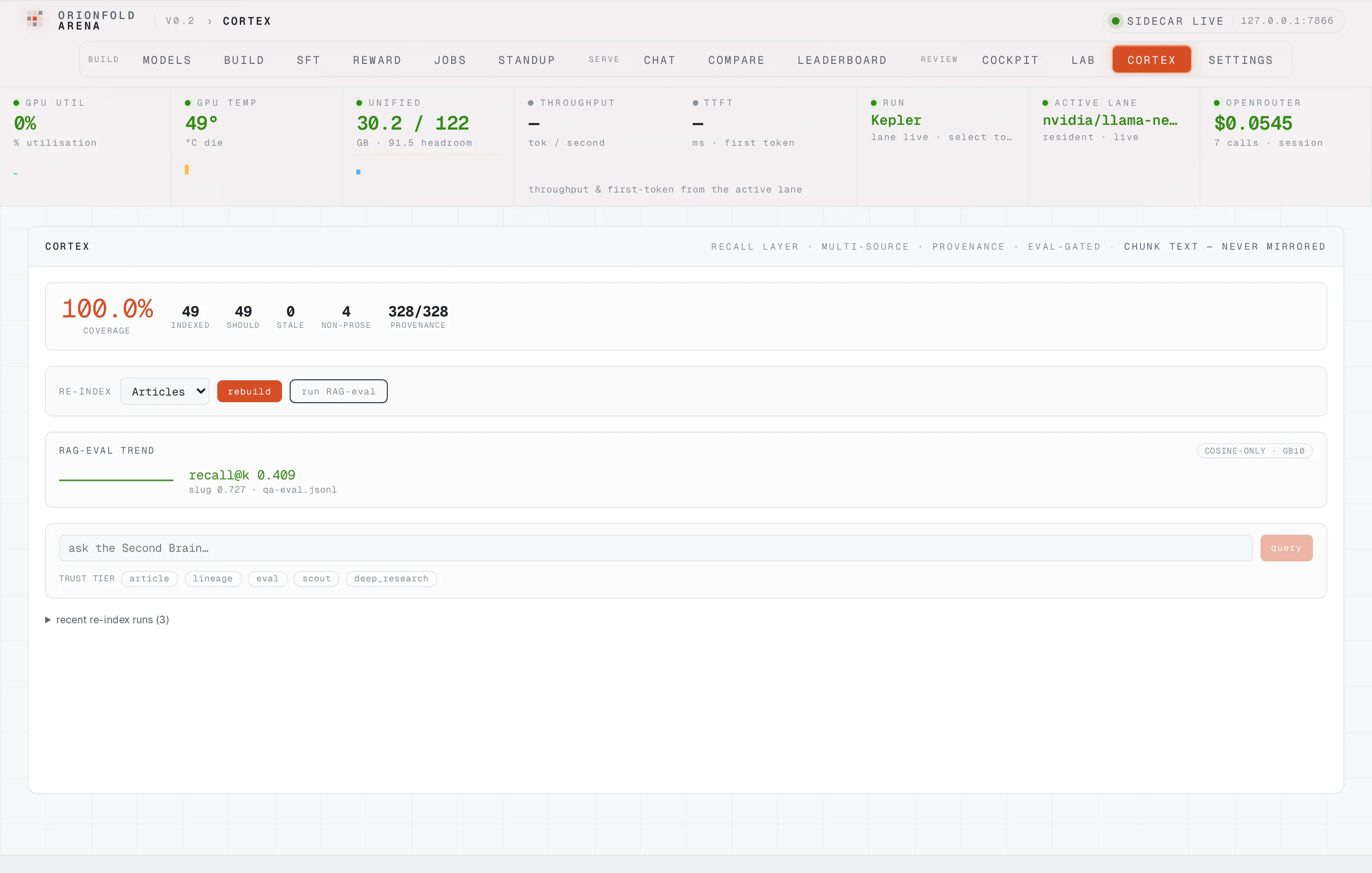
pip install "fieldkit[arena]"
# Start the Arena cockpit on your Spark. Cortex is its memory pane.
# Point it at your notes, then rebuild, score, and query from one screen.
fieldkit arena up
Back this work with a monthly tier. Your support moves your requests up the list, and Gold or Platinum earns a badge on the roadmap item you back.
Back the work
$10 / month
Get a say
$25 / month
Move it up the list
$50 / month
Shape the roadmap
$100 / month
Need something specific? Send an enquiry from the roadmap.
We proved it. Rerun it yourself, do not take our word for it.
By subscribing you agree to receive the AI For Everyone digest, one email a week, no more. You can unsubscribe any time. AI For Everyone is now called AI Native Newsletter. See our privacy policy.
Prove which AI you can trust
Orionfold Proof runs on your own machine, tries the models you are weighing, and hands back a signed receipt you can rerun. Which one won, at what cost, with what failures.


Real notes from doing AI research on one desktop. The NVIDIA DGX Spark is a small machine with huge power (petascale means it runs about a quadrillion math steps a second), so you can push local AI further with no cloud needed. Every lesson is backed by code that runs.
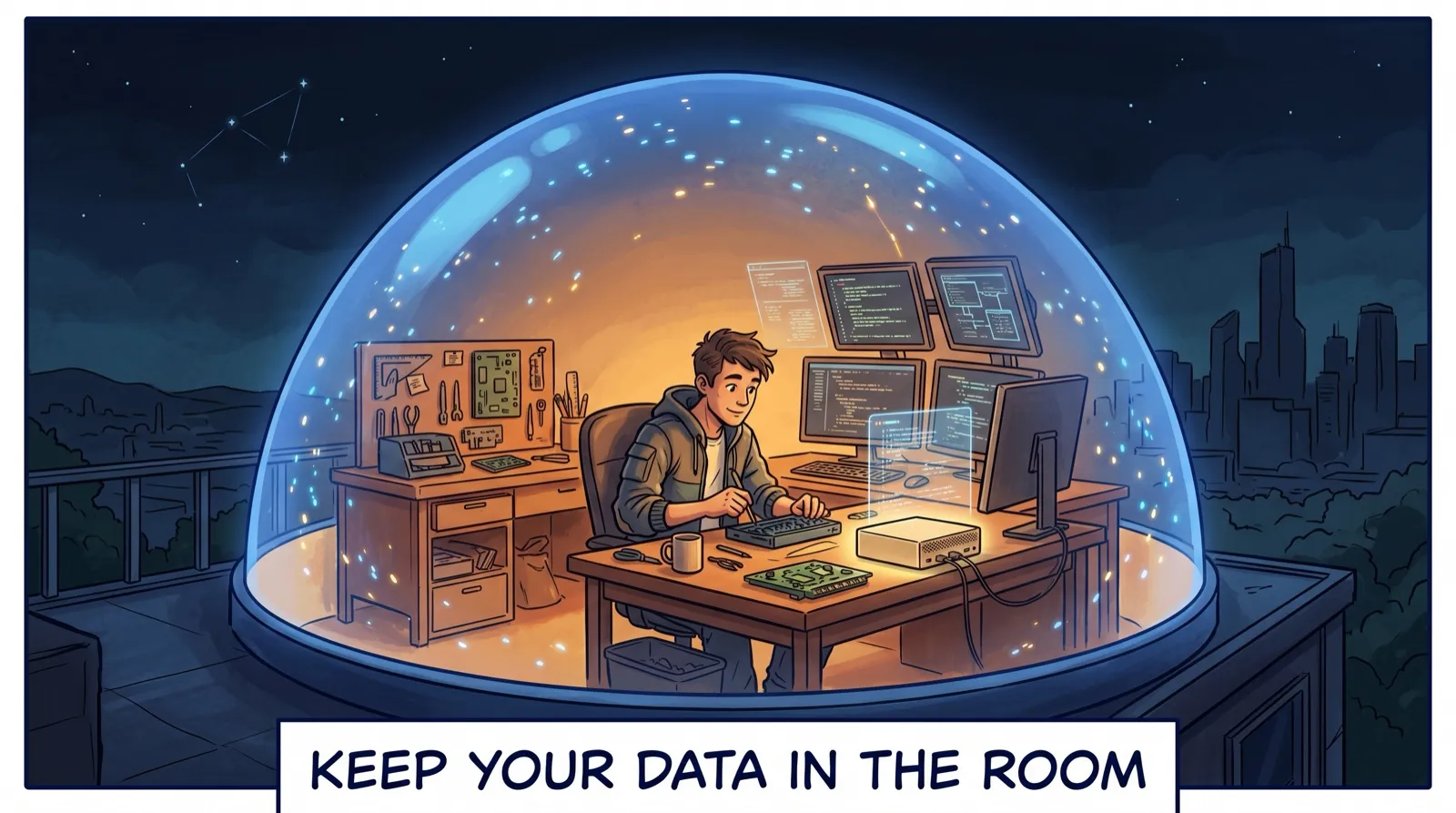
I built an analyst AI that never sends my work to the cloud. Privacy is not a setting you flip at the end. It is a choice you make in the design.
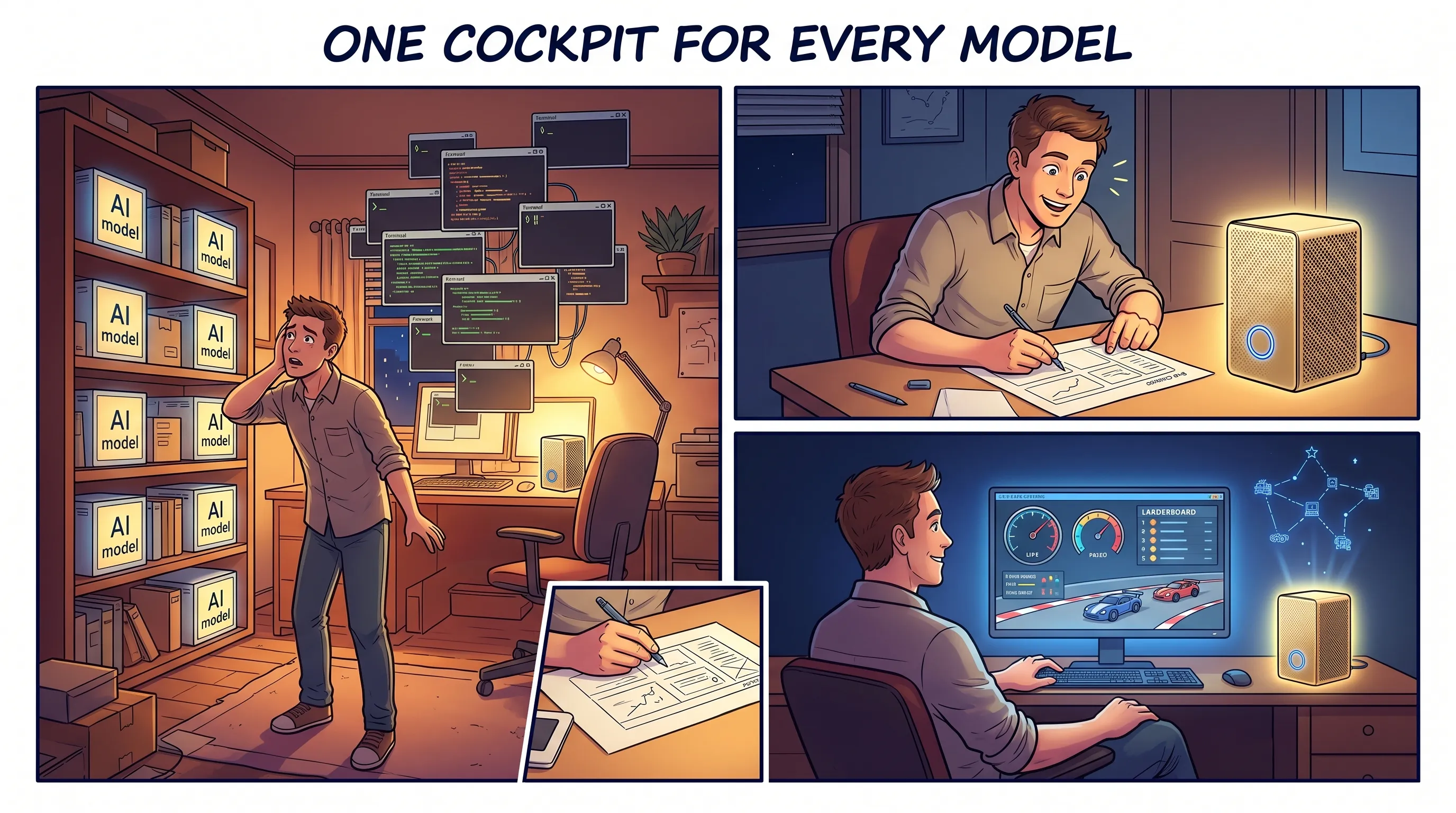
I had a shelf of models on one desktop and no way to drive them. In fifteen hours I built a cockpit to run, compare, and score them, all on that desk.