Bronze
Back the work
$10 / month
- Your name on our supporters list
- A vote on what we build next
- A thank you in the build log
Open software
Save anything you find online, then ask questions about it later. Pick the AI you trust, even a private one that runs on your own machine.

Memo
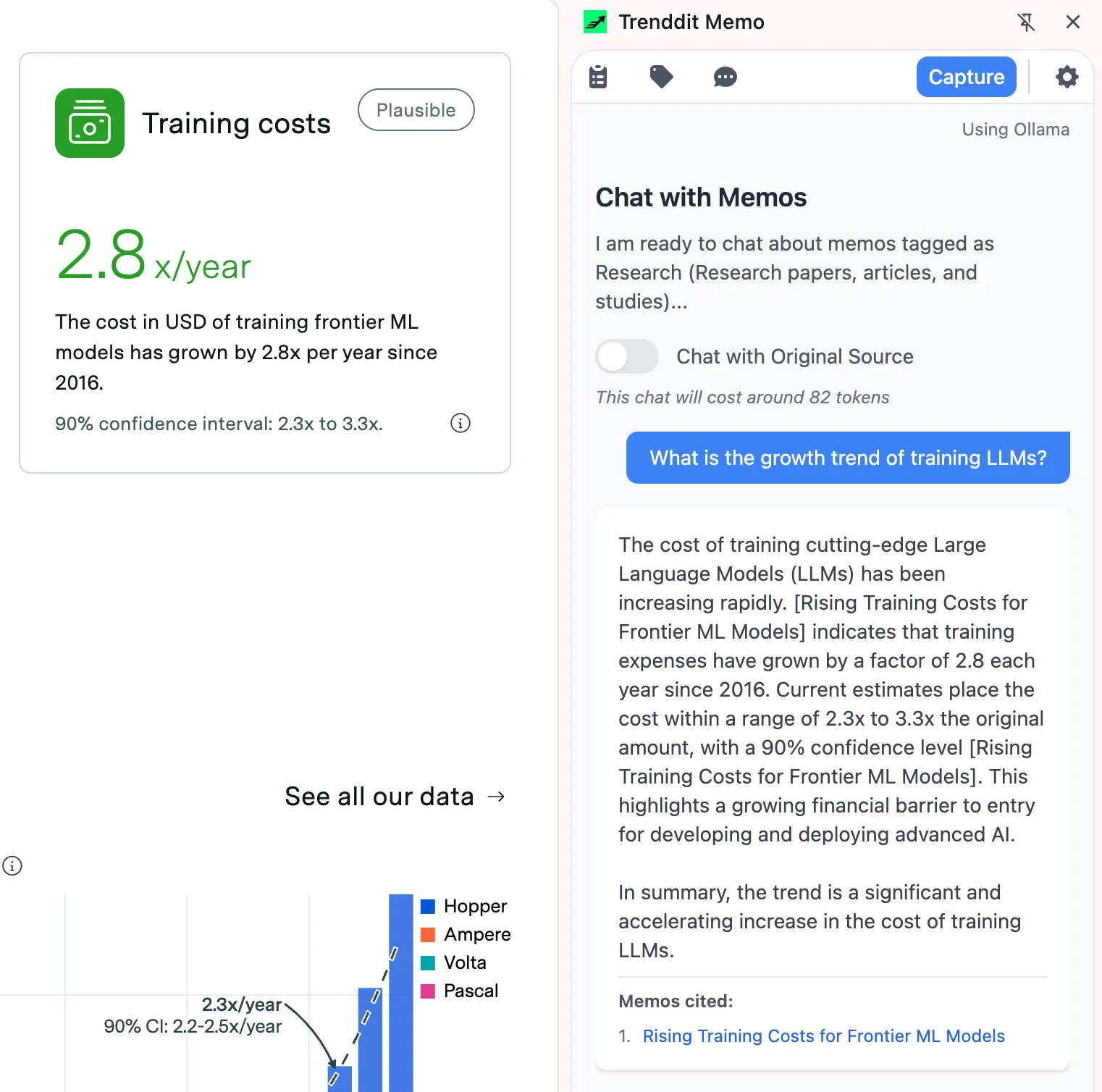
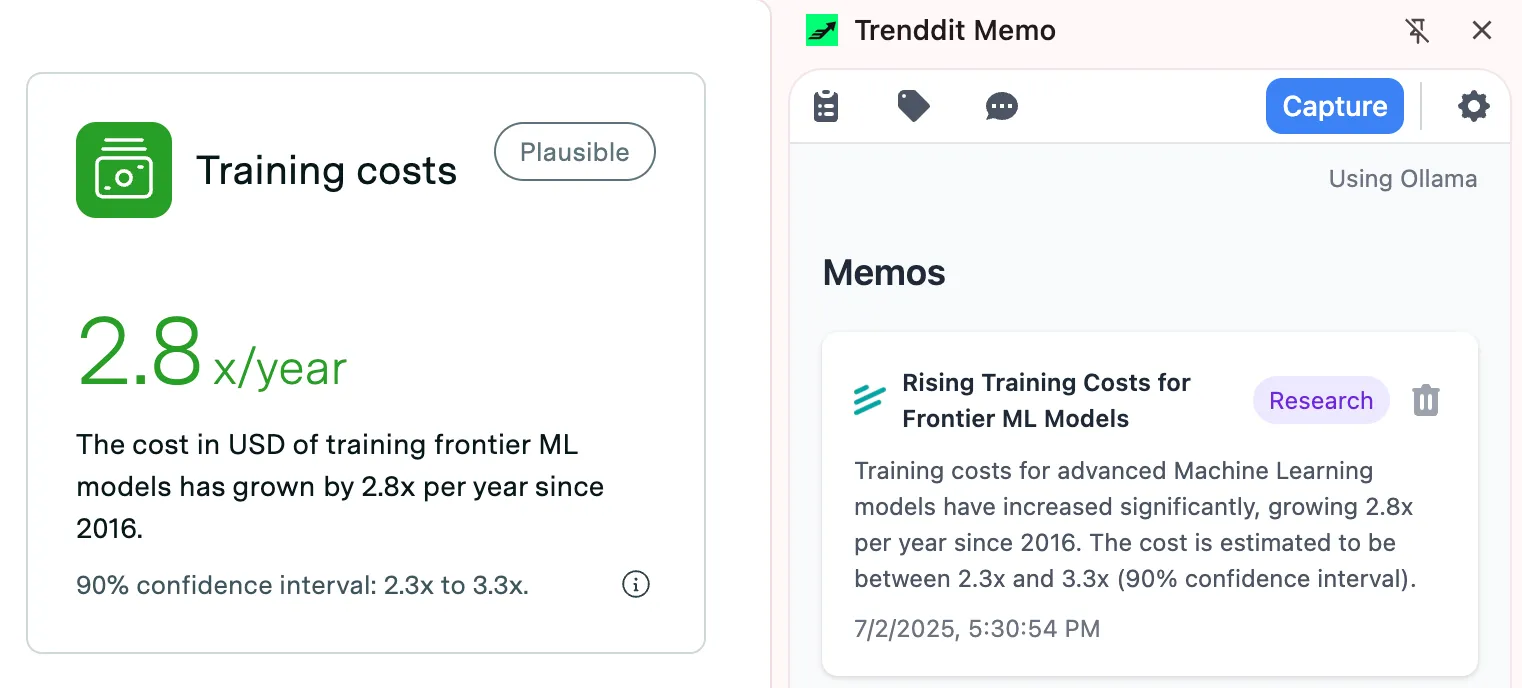
Memo is a Chrome add-on that turns your browsing into a chat. You click to save an article, a product page, or even a YouTube video, and Memo keeps it for you. Later you can ask questions about everything you saved and get answers in plain words.
Point and click to grab any part of a page, and Memo writes a short summary and suggests tags so you never have to file things by hand. YouTube videos come in with their transcripts too. Then you chat: ask “what did I save about React?” and Memo answers using only your own saved notes, with a link back to each source.
Memo works with four AI helpers: Claude, GPT, Gemini, or Ollama. Ollama runs a model right on your own computer, so for private work nothing ever leaves your machine. Your saved content lives on your computer by default, with no tracking and no analytics.
Anyone who finds great things online and loses them. Researchers, shoppers, and lifelong learners turn a pile of bookmarks into a knowledge base they can actually talk to.
git clone https://github.com/navam-io/memo.git
cd memo
npm install
npm run build
# 1. Open chrome://extensions/
# 2. Turn on Developer mode (top right)
# 3. Click "Load unpacked" and pick the memo folder
# Install Ollama, then pull a local model.
# Pick it in Memo's settings to keep every chat on your machine.
ollama pull llama3.1
Back this work with a monthly tier. Your support moves your requests up the list, and Gold or Platinum earns a badge on the roadmap item you back.
Back the work
$10 / month
Get a say
$25 / month
Move it up the list
$50 / month
Shape the roadmap
$100 / month
Need something specific? Send an enquiry from the roadmap.
We proved it. Rerun it yourself, do not take our word for it.
By subscribing you agree to receive the AI For Everyone digest, one email a week, no more. You can unsubscribe any time. AI For Everyone is now called AI Native Newsletter. See our privacy policy.
Run your agents from one place
Orionfold Relay is the free and open engine that runs your AI agents and workflows from one board. Own a license and add the premium packs that save you the setup.

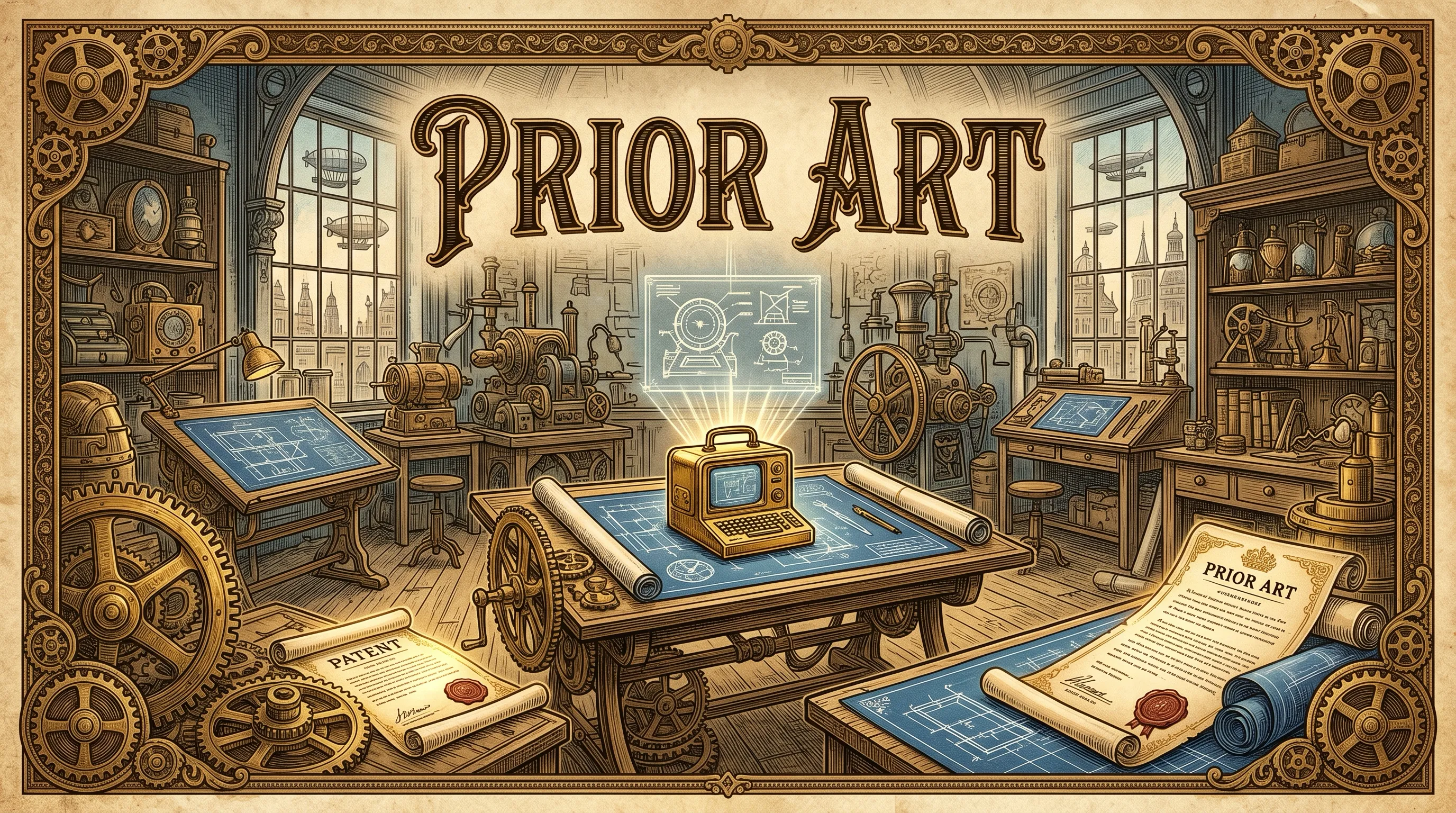
Offline patent reasoning in ready-to-run files, built with the NeMo toolkit. Nothing leaves your desktop.
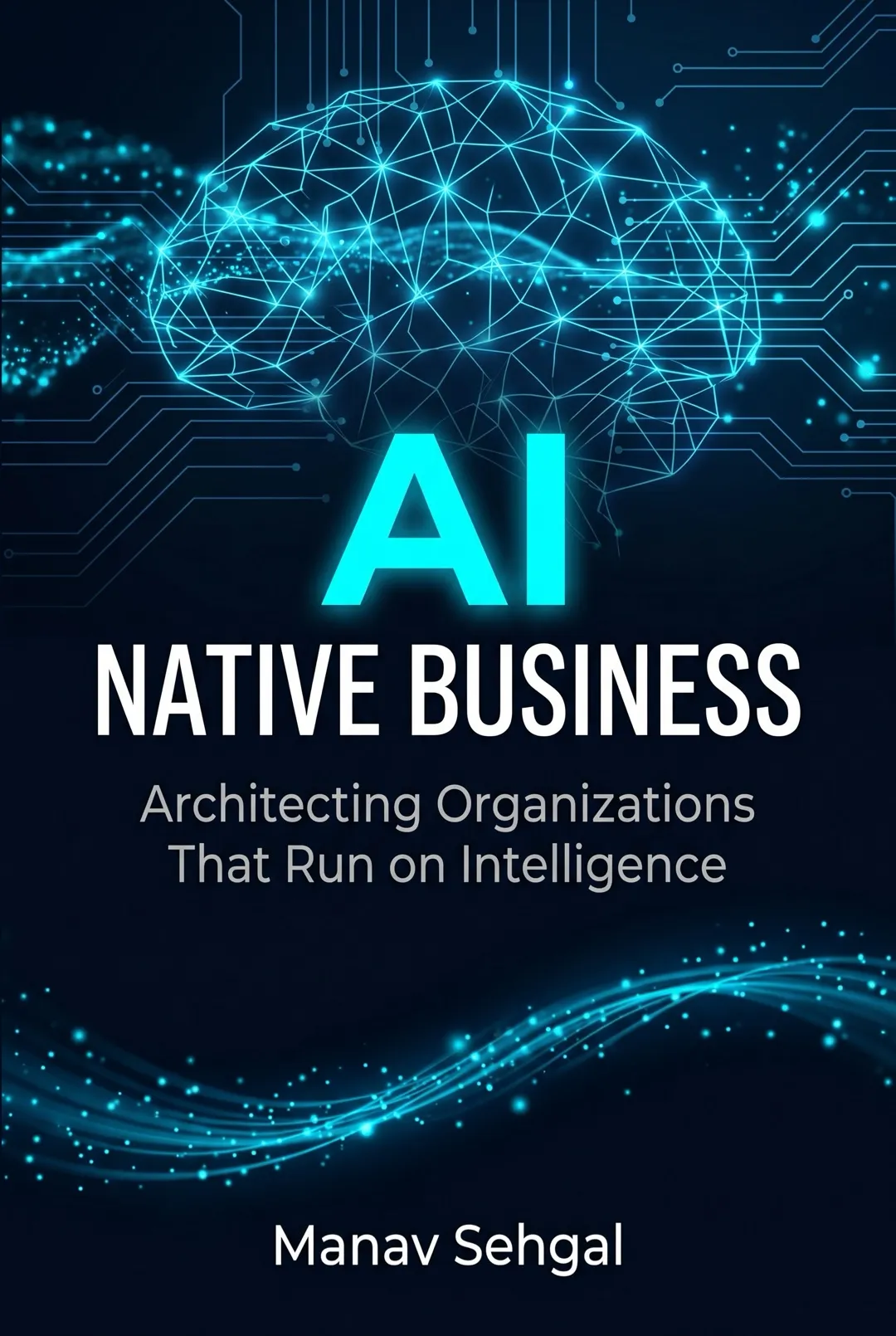
A book on running a business with AI agents (software helpers that do the work for you). Fourteen short chapters in four parts take you from the first idea to a working system. About a two hour read, open to all.
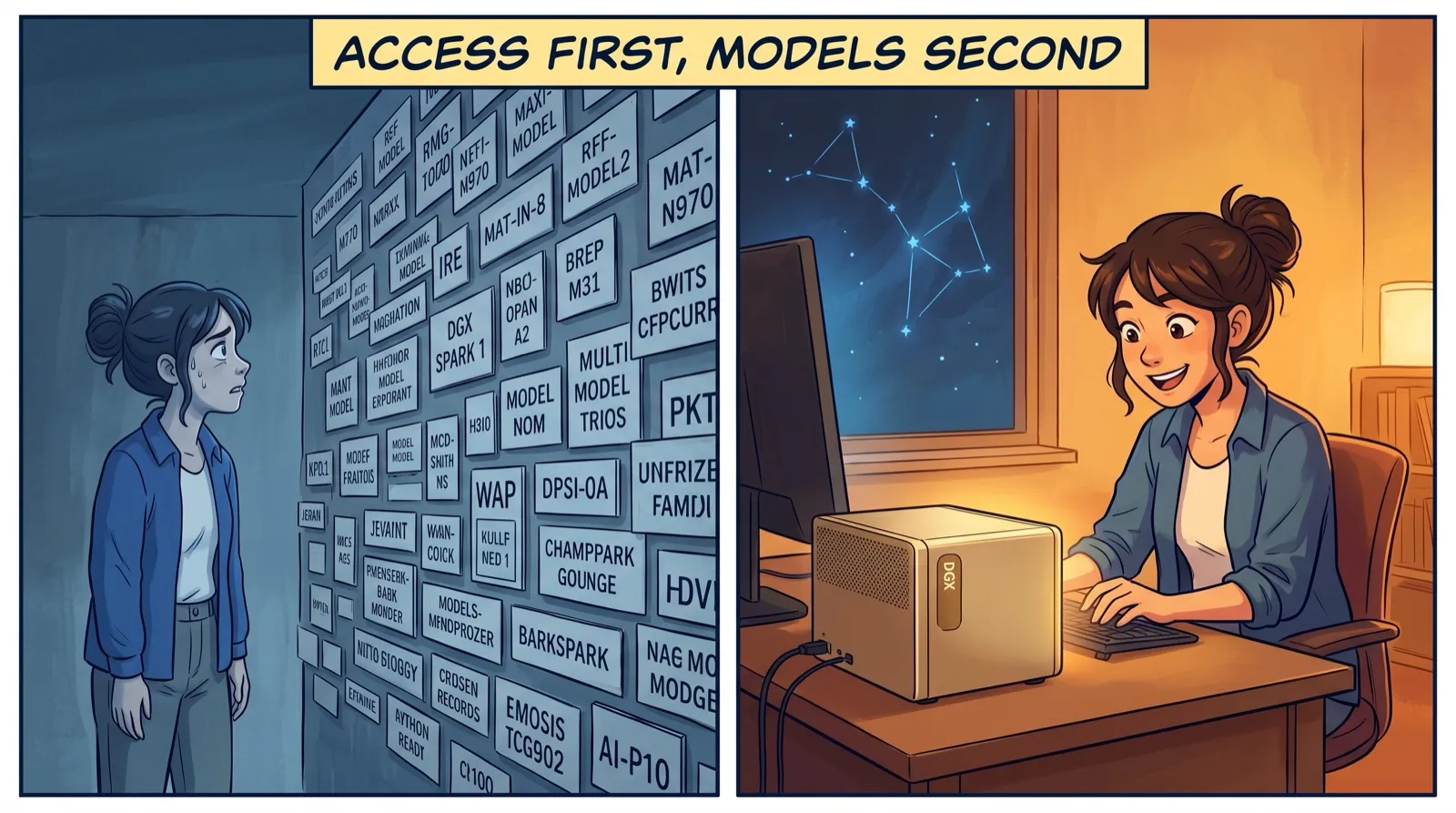
On day one with my desktop AI machine I did not pick a model. I set up how I reach it. Models change every six months. Good access lasts for years.