Bronze
Back the work
$10 / month
- Your name on our supporters list
- A vote on what we build next
- A thank you in the build log
Open software
Bring fast, private AI right into your terminal. Run more than 15 models, including ones on your own laptop, with three simple commands.

Command
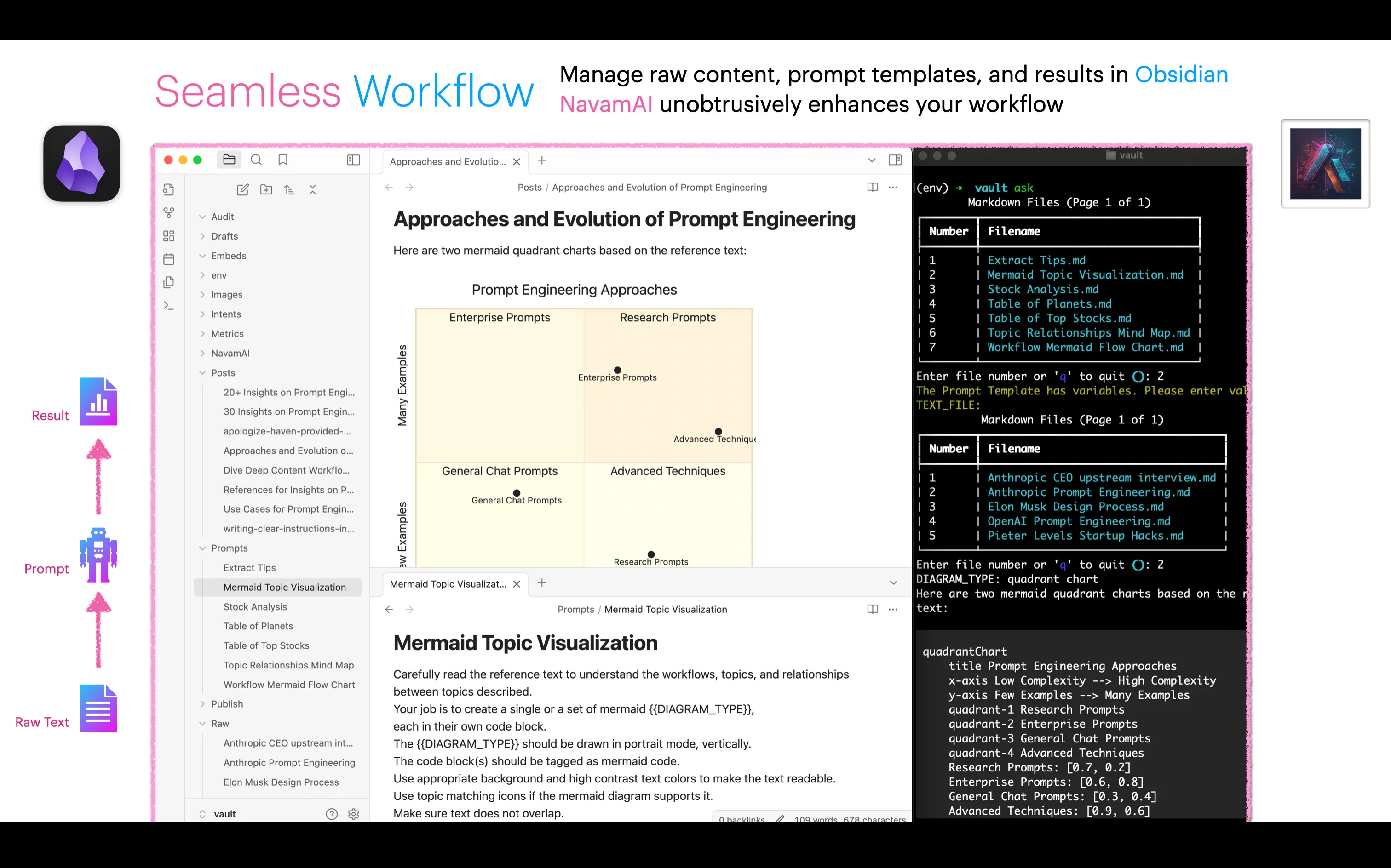
Command turns your terminal into a fast, personal AI app. No browser tabs, no extra apps,
no switching back and forth. You type ask and a question, and the answer streams right
into your terminal, with tables and code laid out cleanly.
Reach more than 15 models from 7 hosts, from Claude and GPT to private models running on your own laptop. Swap models with one short command, so you can use a fast cheap one for quick questions and a stronger one for hard work. Save your tasks and prompts as plain markdown, then run models over them right inside VS Code or Obsidian.
Run everything on your own machine with Ollama and nothing leaves your laptop. There is no tracking and no analytics, your API keys stay in a local file, and you decide what gets saved and where.
Writers, researchers, and builders who live in the terminal and want AI that is fast, private, and fully theirs. Get going with three commands, then tune it as much as you like through one config file.

pip install -U command
cmnd init   # copy the config and quick-start samples
cmnd id     # show the model in use
ask "How old is the oldest pyramid?"# Point Command at a model running on your own machine.
cmnd config ask provider ollama
cmnd config ask model llama
ask "Summarize these notes for me"
Back this work with a monthly tier. Your support moves your requests up the list, and Gold or Platinum earns a badge on the roadmap item you back.
Back the work
$10 / month
Get a say
$25 / month
Move it up the list
$50 / month
Shape the roadmap
$100 / month
Need something specific? Send an enquiry from the roadmap.
We proved it. Rerun it yourself, do not take our word for it.
By subscribing you agree to receive the AI For Everyone digest, one email a week, no more. You can unsubscribe any time. AI For Everyone is now called AI Native Newsletter. See our privacy policy.
See which AI wins, on your own desk
Orionfold Arena is the cockpit that runs, compares, scores, and trains local AI models on one DGX Spark. The model, the tests, and the results in one place you control.
Offline patent reasoning in ready-to-run files, built with the NeMo toolkit. Nothing leaves your desktop.
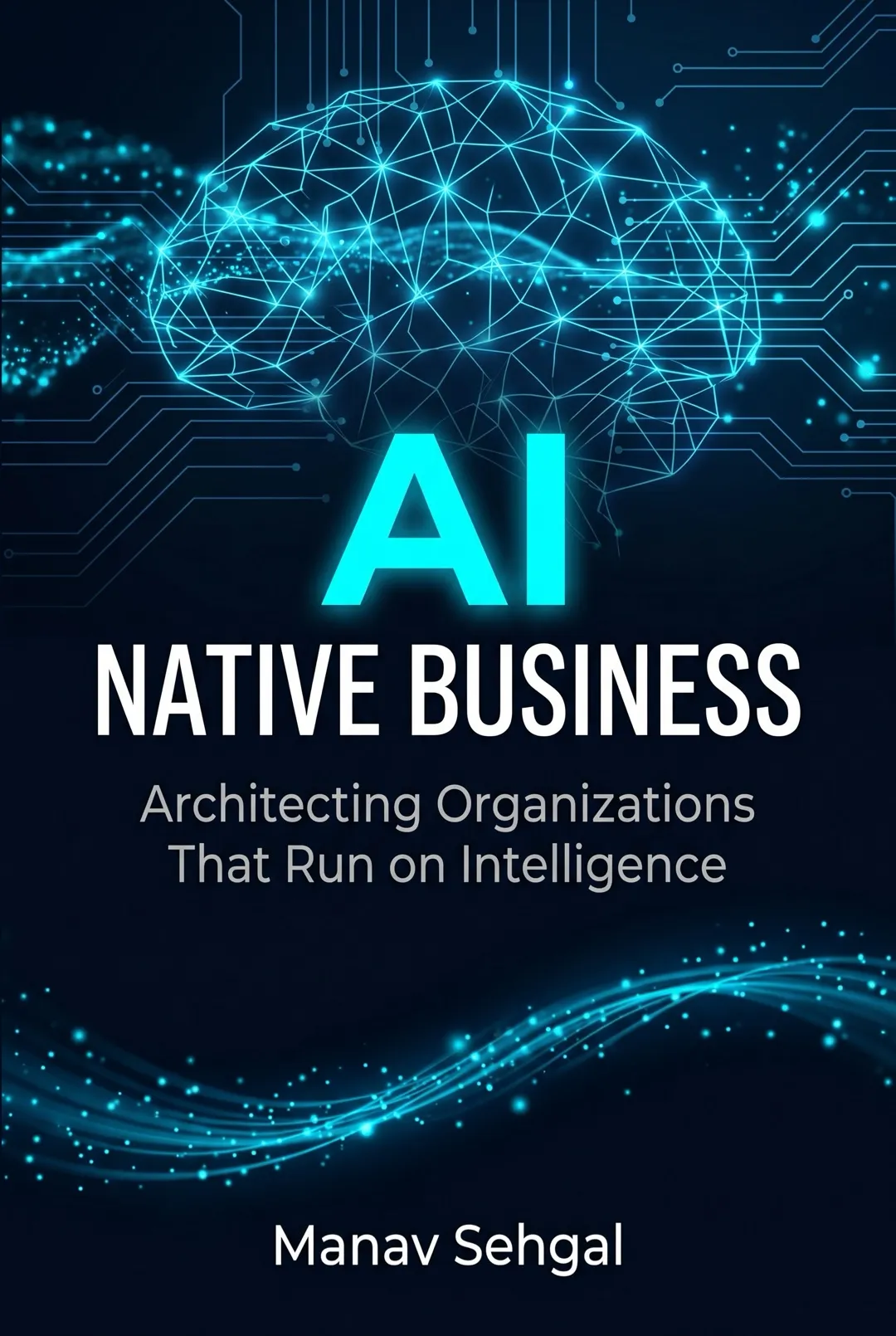
A book on running a business with AI agents (software helpers that do the work for you). Fourteen short chapters in four parts take you from the first idea to a working system. About a two hour read, open to all.
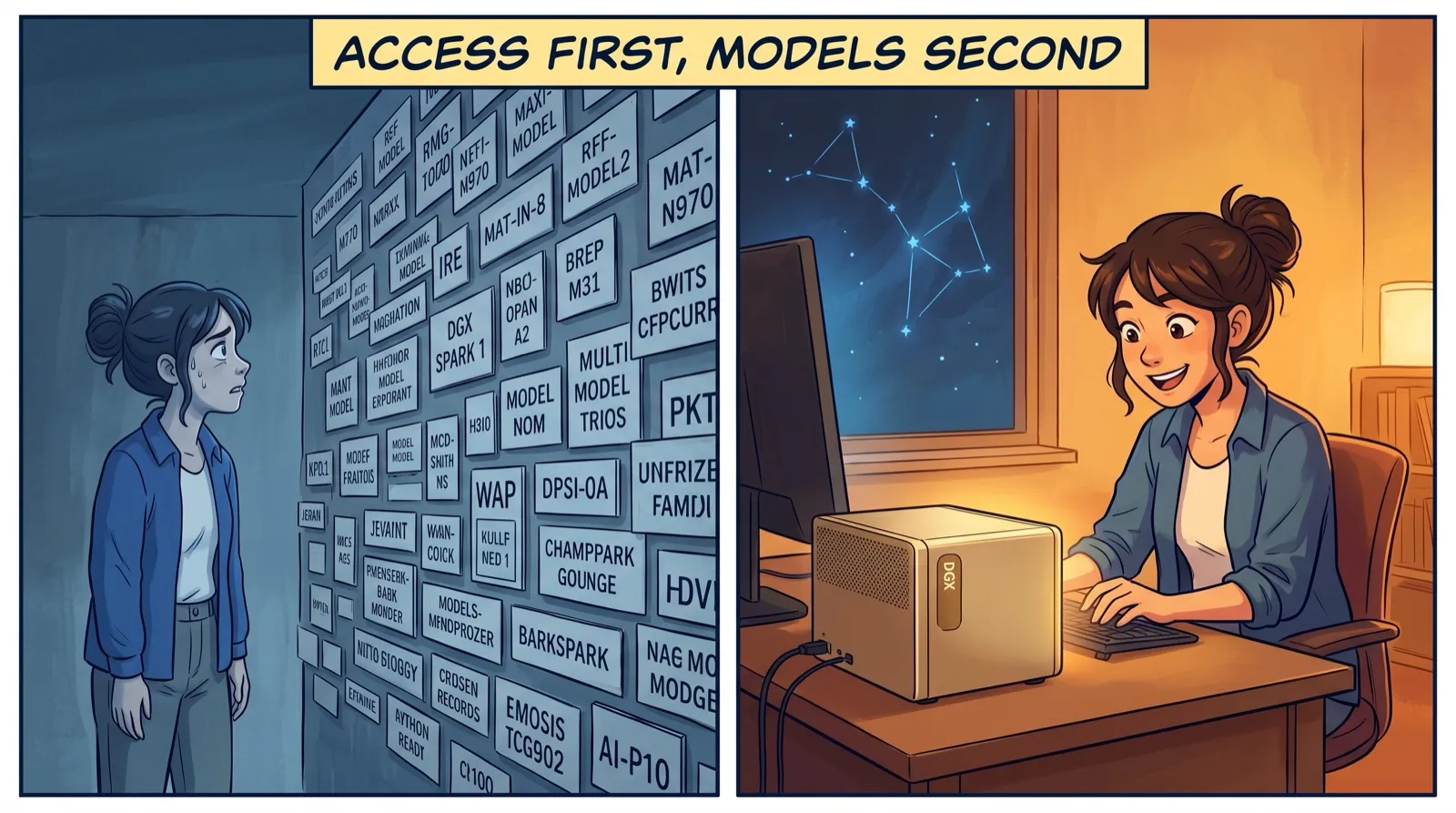
On day one with my desktop AI machine I did not pick a model. I set up how I reach it. Models change every six months. Good access lasts for years.
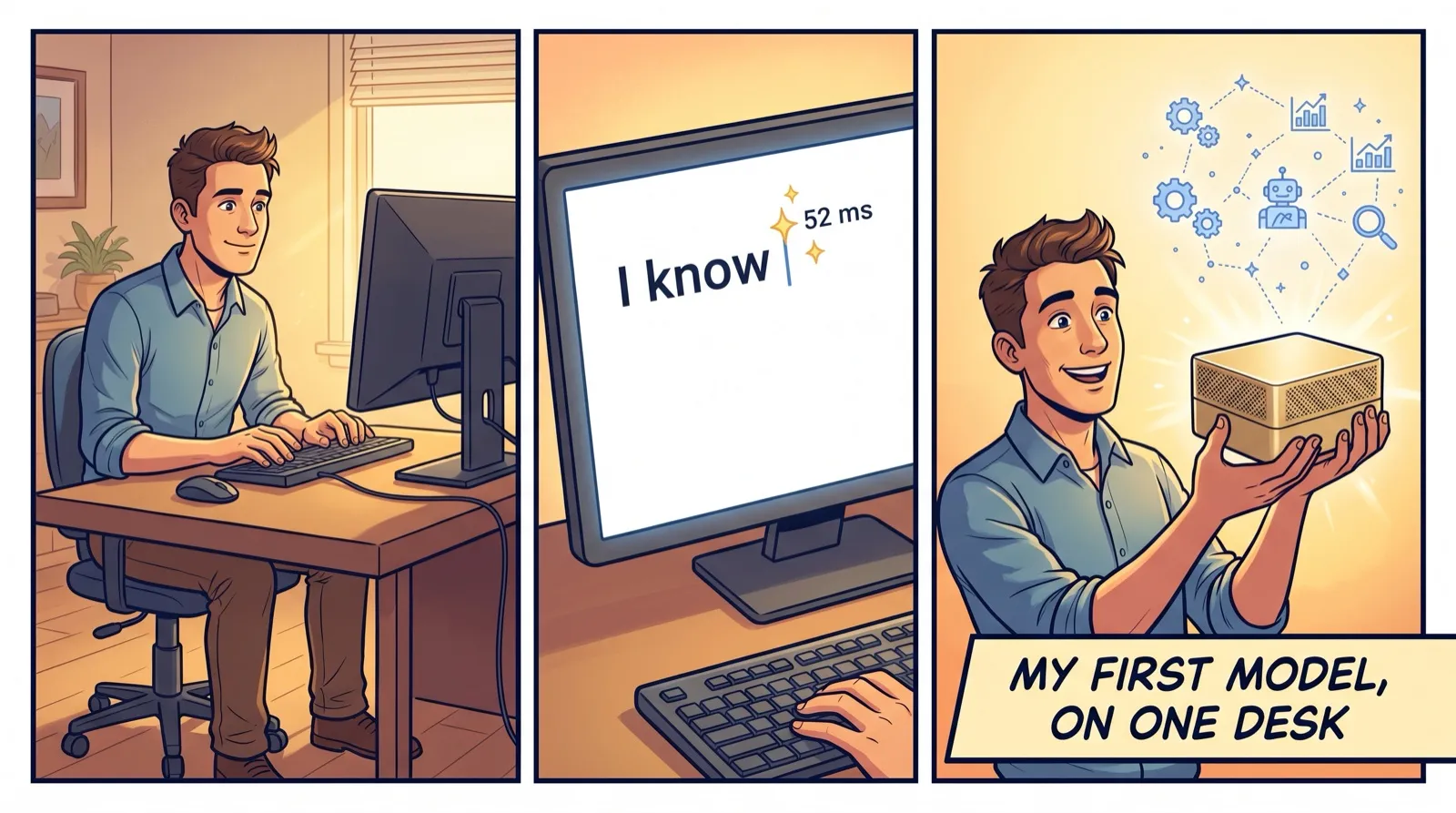
I ran my first model on a small computer on my desk. 52 milliseconds to the first word, no cloud, no per-use bill. It felt like a local function, not a service.