The Pit Crew That Never Touches the Wheel
You clicked one sentence: an AI writing tool that cannot touch a document without permission. Here is the race car I built around that rule.
For Mac OS. Base is free forever. 10 Pro days included. No credit card to use.
You may have met Orionfold in one sentence. That sentence is now a Mac app. Download Flow and read this with a real document open, or read first and decide at the end. Either way, here is the sentence.
Built by one founder who wanted an AI writing tool that could not touch a document without permission.
That was the ad. Eight versions ran. Seven talked about features, models, and cost. One talked about a person building a tool because of a rule. Four out of five people who raised a hand chose that one. You were probably among them.
So I owe you the rest of the sentence. Who the founder is, what the rule is, and what the tool looks like now that you can drive it.
I am Manav. I spent nine years at Amazon writing documents that had to survive a room full of careful readers. Then I started building software on my own, and one afternoon I let an AI proofreader clean up a working note. It reached inside a code block and changed the code. No diff. No approval. No record. I noticed only because I happened to look at that line.
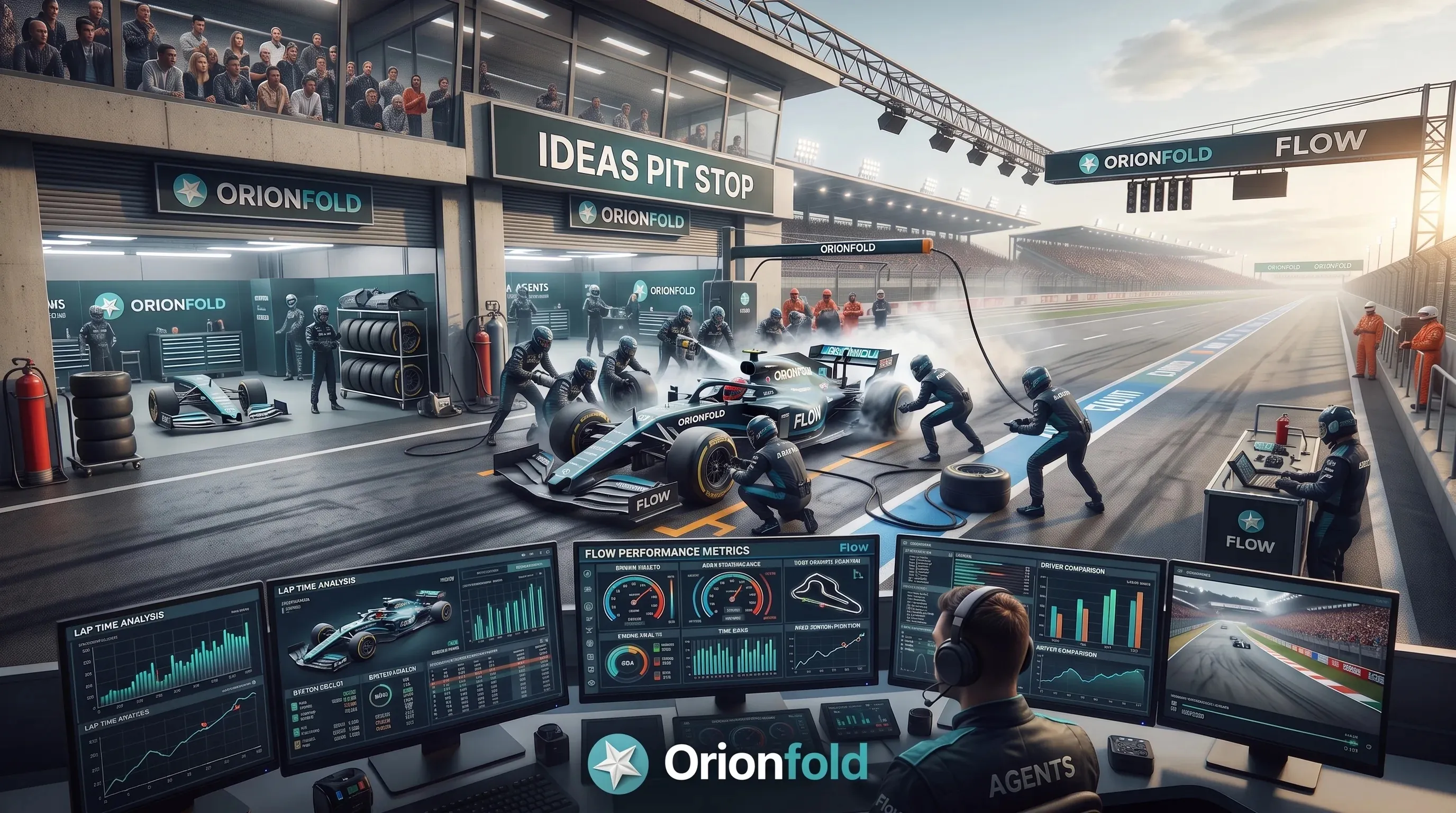
That afternoon became a rule. The rule became a product. This story is about the shape the product took, and the shape is a race car.
You are the driver
Every part of Flow starts from one seat. You set the line. You decide the destination, the pace, and when the document is ready to leave the garage.
That sounds obvious until you look at how most AI writing tools behave. You type. The model rewrites. The new words are already in your file before you have read them. The tool is polite about it, but it took the wheel.
Flow does not. Text changes in Flow only when you type the edit or approve the proposal. Not usually. Not only for important files. A rule with exceptions turns into a preference, and preferences do not survive a deadline.
Here is what that looks like in practice. You select a paragraph and ask for a proofread. Flow comes back with a proposal: the exact before, the exact after, and the named checks that ran beside it. Approve and Save stays disabled until you confirm you read the change. Until you approve, the file on your disk has not moved.
If the document changes while you are reviewing, the proposal does not force itself onto newer text. It belongs to the version it was made from. Stale ground stops the save, and Flow asks again.
The model can still be ambitious. It can draft, restructure, translate, search, and refine. It cannot take the decision away from you.
The car carries the work
A race car is not the driver’s rival. It carries the driver, the fuel, and every reading the team needs, and it goes where the driver points it.
In Flow, the car is your document. Not a chat window with your document pasted in. The file itself, in plain Markdown, in folders you already own.
Your words, the AI proposals, your approvals, and the receipts stay with that file. There is no copy and paste from a chat and no lost thread six weeks later. When you want to know what changed, you open History and read the saved revision. When you want the old version back, you restore it.
Long documents get the same care. A book chapter or a research report is planned part by part, and a 620,000 character file is split in about half a second. Search across a 10,000 note library builds its first index in 1.1 seconds, and results stream in while it works. You do not wait for the car to warm up.
The file also does the finishing work. Flow draws 34 chart types and 20 diagram types from plain text in your document. Describe the data in a fenced block, and the chart renders on your Mac, offline, in one house style. Hand the file to someone with a different editor, and it still opens. Nothing you wrote lives behind a private format.
If Flow disappeared tomorrow, the files would still be yours. That is not a side benefit. Open files are what make approval mean something. You are never choosing between accepting the AI’s version and losing the work.
The pit crew proposes
A pit crew is fast because every person has one station. One changes the front left tire. One checks the fuel. Nobody climbs into the cockpit.
That is how AI works inside Flow. Each action is one specialist. Proofread. Summarize. Translate. Turn a table into prose, or prose into a table. Expand a passage with sources. Visualize the data hiding in a paragraph. Seven actions today, and each one does one job and hands the result back as a proposal.
Behind the crew sits the question I hear most from people who answered the ad: where does the model run, and does my text leave the Mac?
Flow answers it with one switch per domain. Local means this Mac, on hardware you already own. LAN means a machine on your own network. Then there are two kinds of cloud, prepaid and postpaid, each with its own cost line. Discovery never turns a route on. If a fallback would cross from local into cloud, Flow stops and asks first.
The local option is not a toy. A complete local AI runtime lives inside the app, about the size of twenty photos. On one M3 Max, through that runtime, a 20.4 GB model reached its first word in 4.5 seconds. A smaller 8.5 GB model took 10.2 seconds. Those are numbers from one machine and one day, not a promise about yours, and they say nothing about answer quality. They do show that the fast option and the private option can be the same option.
If you would rather use a cloud provider, that works too. Anthropic, OpenAI, and OpenRouter run with your own key. Ollama and LM Studio run on your own machine. Either way the receipt records the cost to the digit. One real billed run in testing came to $0.00425. Flow does not round that into a credit or a vague allowance. It writes down the number.
Whichever route you pick, the proposal comes back the same way. Before and after. Named checks. A decision that waits for you. The crew can be a small model on your desk or a large one across the country, and the driver’s seat does not move.
The record rides along
Every real race team keeps telemetry. Not to slow the car down, but because a lap you cannot explain is a lap you cannot repeat.
Every AI run in Flow leaves a receipt. It binds the model, the route, the cost, the checks, the evidence, the proposal, and your decision to the exact document revision. It does not store your prompt or your API key. It stores what happened.
This matters most on the days you are not thinking about it. Six weeks later, “I think the AI changed that paragraph” is not useful. A receipt is. You can see which model touched the text, what it was allowed to do, what it proposed, and what you approved. If you decline a proposal, that is recorded too. Declining is not a failed run. Leaving one open is not consent.
Search keeps the same honesty. Across 10,000 notes, results arrive in 22.3 milliseconds at the 95th percentile on Apple silicon. Before Flow claims a passage is still there, it returns to the current file and compares the anchored text with what search found. A result that moved says so.
None of this makes ordinary writing feel regulated. Most days you will approve a proofread in a second and move on. The record is there so that an important question has a better place to land than your memory of a Tuesday afternoon.
Time to drive
I built Flow because I wanted more AI in my work and I wanted to remain the author of it. Those two wishes fight in most tools. In Flow they do not, because the roles never blur. You drive. The car carries the work. The crew proposes. The record rides along.
The ad promised a tool that cannot touch a document without permission. That promise is now a native Mac app you can point at your own folders. Base is free, and it stays free. Reading, writing, searching, organizing, and exporting never need a subscription. AI runs are what you pay for, and ten Pro Days come with the download so you can feel the difference before you decide.
Here is what the first ten minutes look like. Open a folder you already write in. Flow reads it as it is, with no import step and no new format. Pick one paragraph you are not proud of and ask for a proofread. Read the proposal. Approve it or decline it. Then open the receipt and see the model, the route, and the cost written down beside your decision.
Bring a real document. Ask for one proofread. Read the diff. Then decide.
AI proposes. You review. Only approval changes the file.
- Orionfold Flow
- Building in public
- AI-native work