See the whole cockpit at a glance.
Relay runs your AI client work from one local app: customers, tasks, workflows, tables, and costs, all on your own machine. This guide walks the whole product, one real screen at a time, from your first launch to the trust controls you set before client work enters the app.
Chapter 01
Get Started With Relay
Relay opens as a local cockpit, not an empty chat box. The first screen shows what is running, what is waiting for you, and what already failed, so you read the state of your business before you touch anything. This chapter teaches the opening habit: read Home, then check Settings.
Read the chapter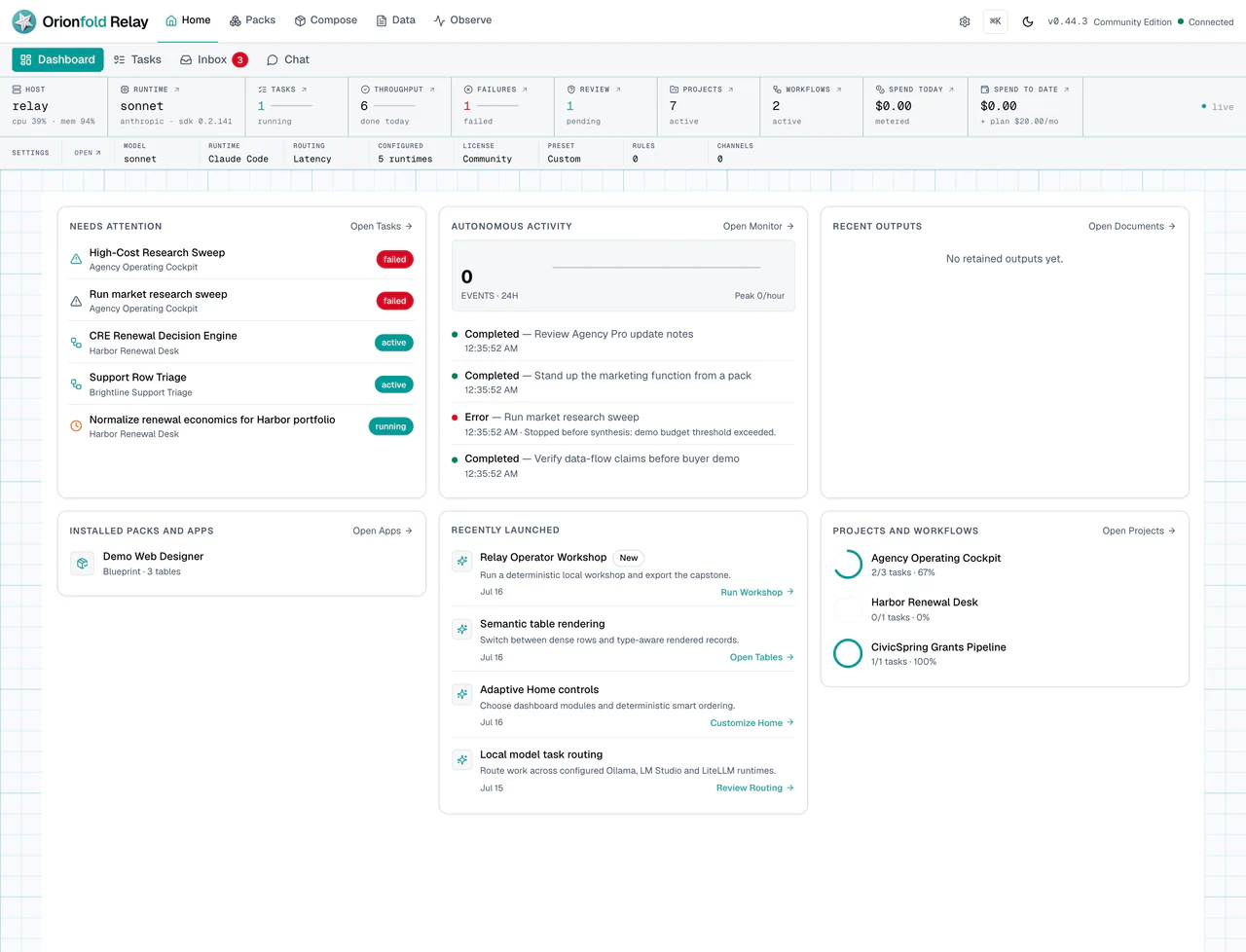
Chapter 02
Use Packs And Licenses
A pack turns a service you sell into something you can reuse. Instead of building each renewal desk or support loop by hand, you install a pack and get the workflow, tables, schedule, and agents together. This chapter shows how to read the gallery and how a license unlocks the premium packs you own.
Read the chapter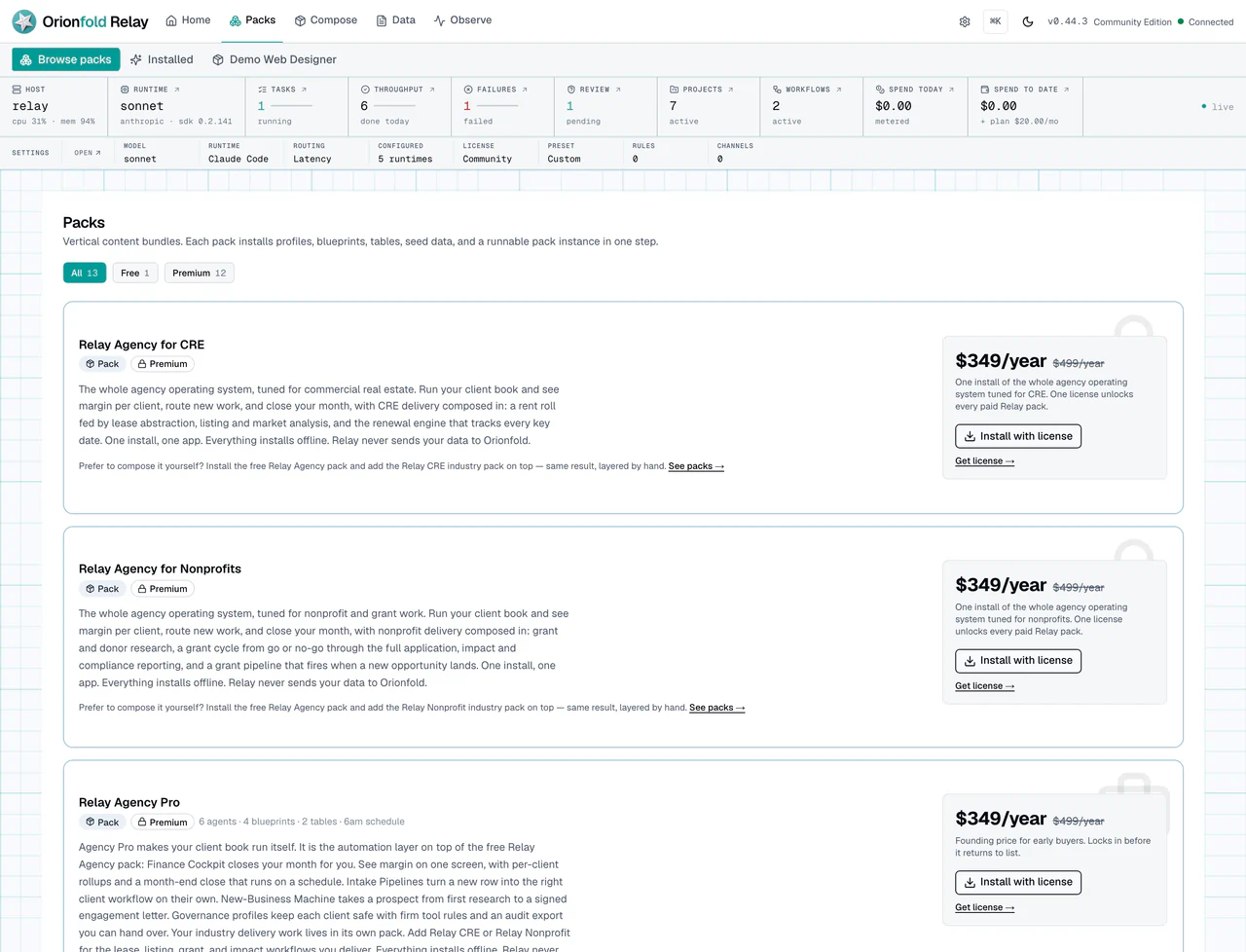
Chapter 03
Organize Customers, Projects, And Tasks
Work lives as customers, projects, and tasks, not as loose chat messages. Each account you serve is a real customer record you can link to its projects, so every job has an owner and a place. This chapter maps that structure, which is also what makes per-client cost a real total later.
Read the chapter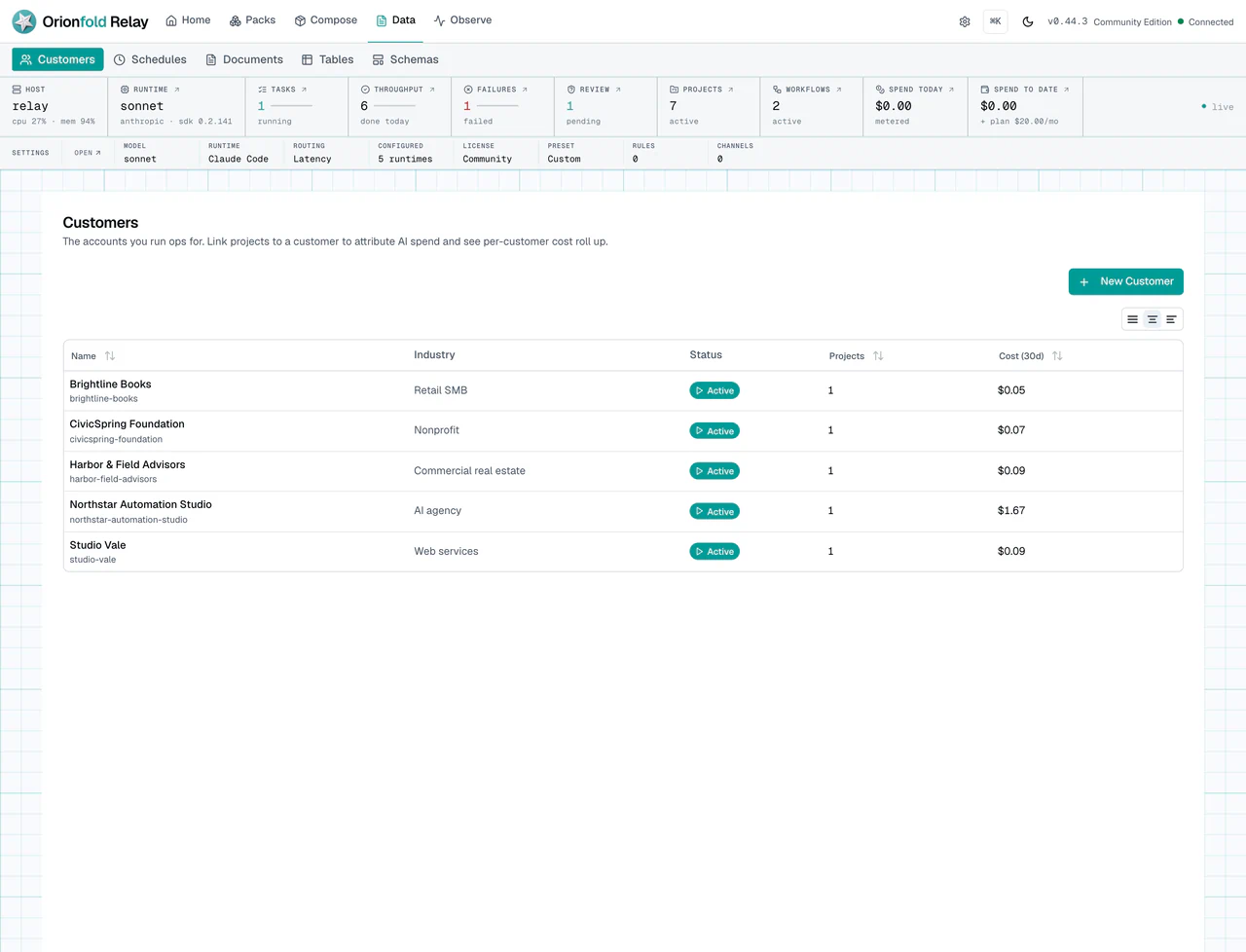
Chapter 04
Plan Work With Chat, Agents, And Runtimes
You do not decide from scratch every morning which model to use or which tools an agent may touch. Relay gives you named agents with set instructions and permissions, and a runtime choice per task. This chapter shows how to plan work in chat, pick the right agent, and keep approvals in view.
Read the chapter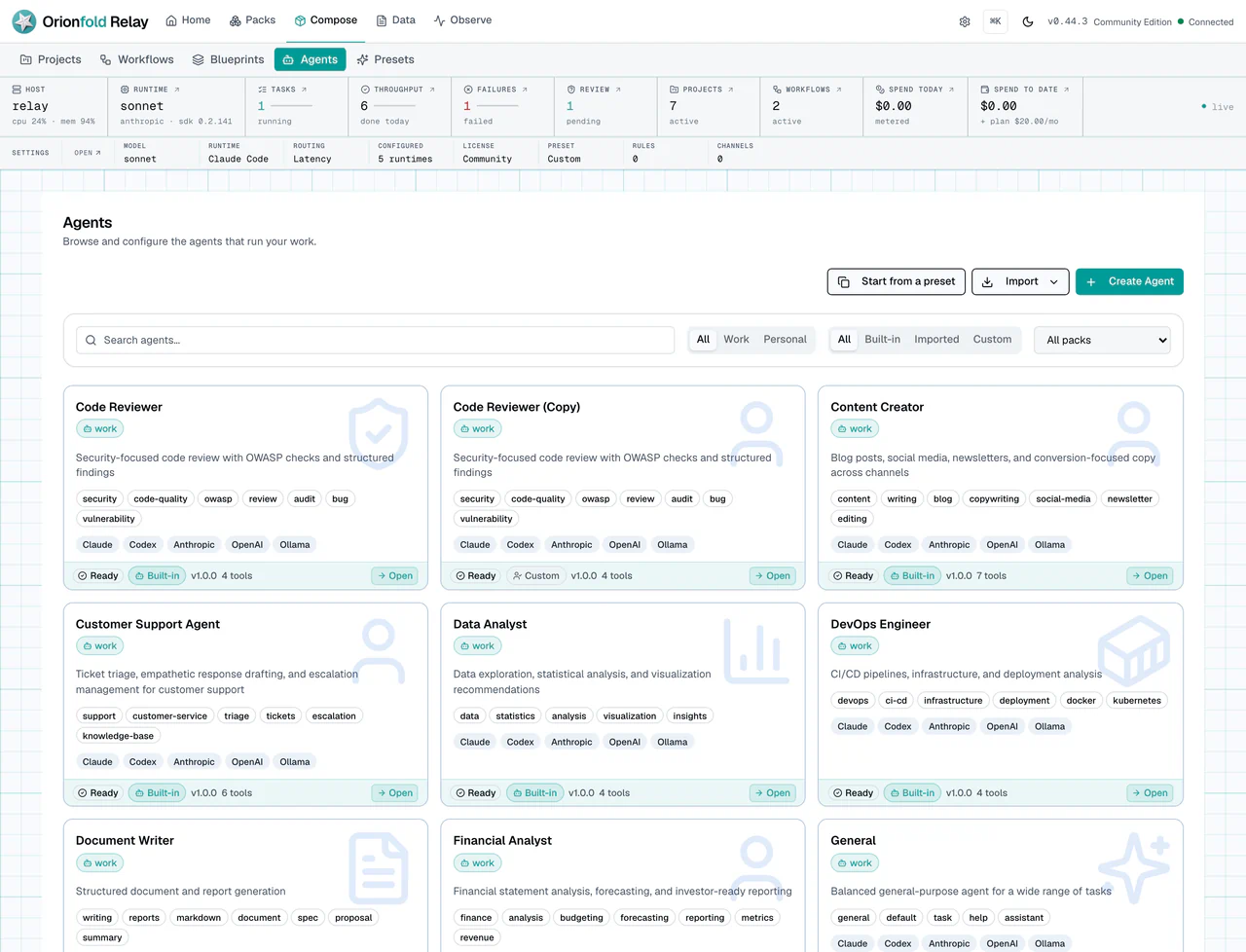
Chapter 05
Run Workflows With Human Checkpoints
Some steps an agent can do alone. Some, like a refund reply, need a person to approve them first. A Relay workflow runs the same way every time: do the work, pause at a checkpoint, and continue only after you answer. This chapter covers starting a run, reading its state, and recovering when one stalls.
Read the chapter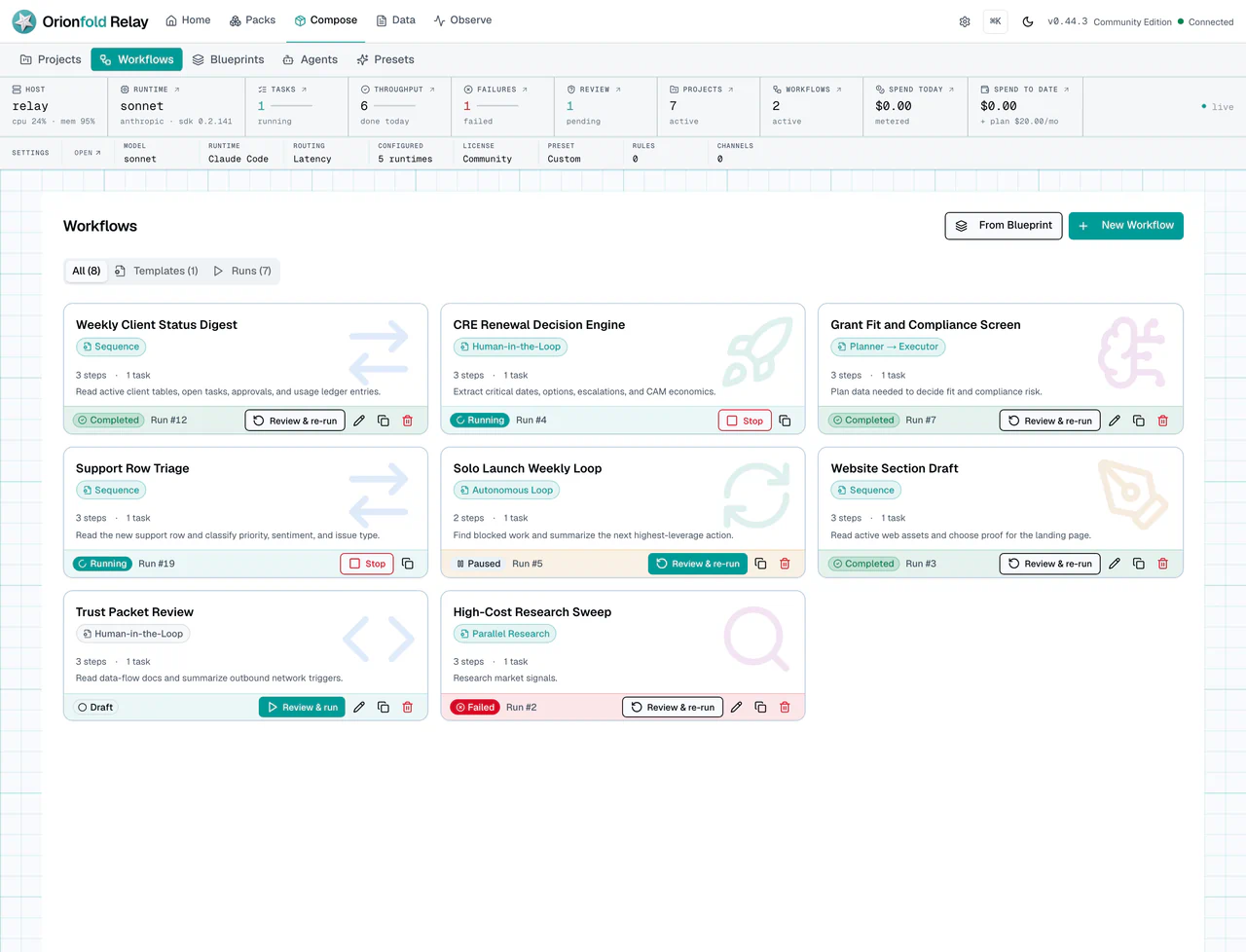
Chapter 06
Use Tables, Triggers, And Schedules
Tables are the backbone of repeatable work. A row can be just a record, or it can trigger a workflow, or it can run on a schedule without waiting for you to remember. This chapter shows how tables, schemas, row triggers, and schedules turn one-off tasks into operations that run on their own.
Read the chapter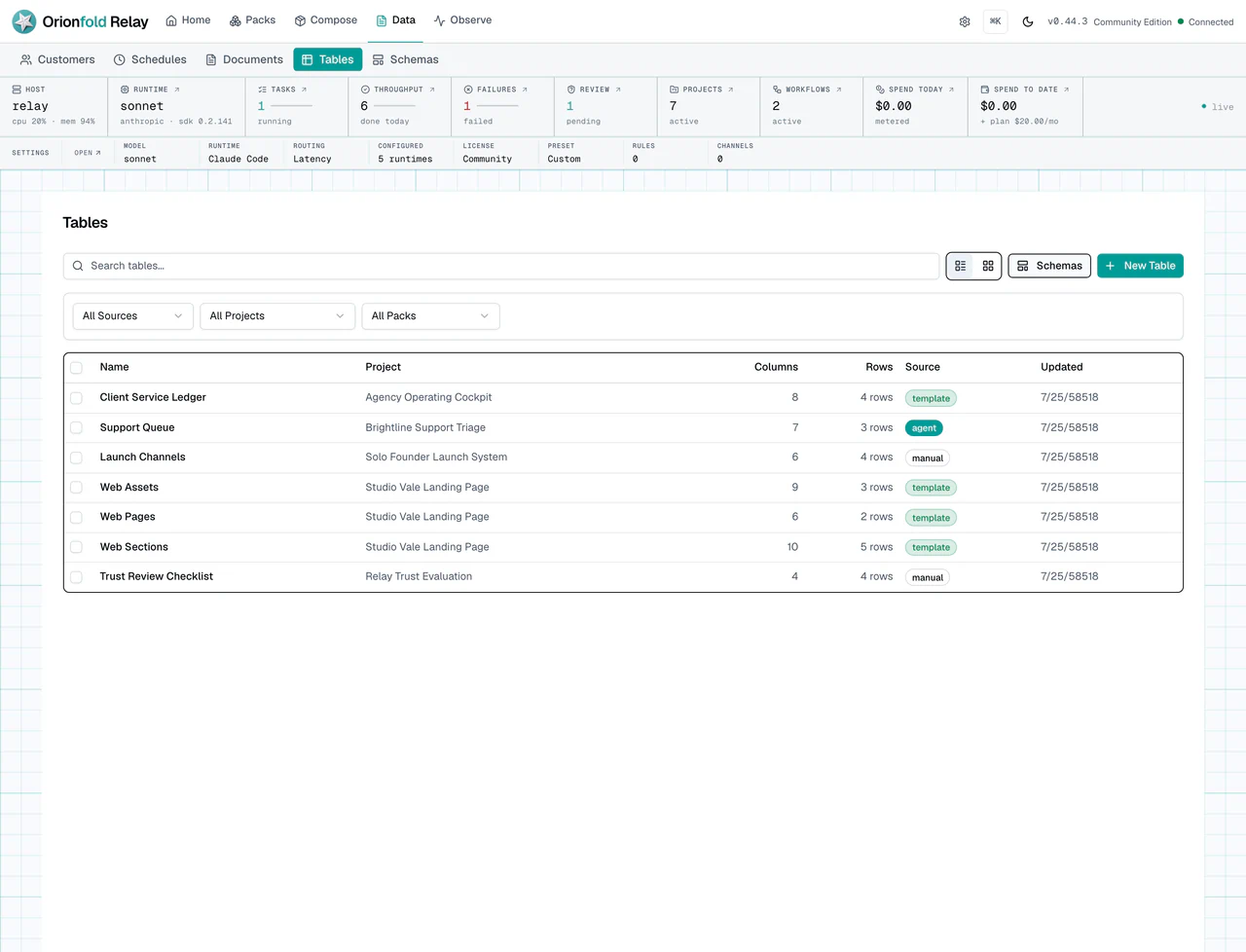
Chapter 07
Watch Runs, Costs, And Budget Signals
When a run fails or a step hits a budget, you do not have to guess. The monitor shows what ran, what it cost, and where it stopped, so you can inspect the real cause instead of rerunning and hoping. This chapter is how you audit spend and tune your runtime choices with evidence.
Read the chapter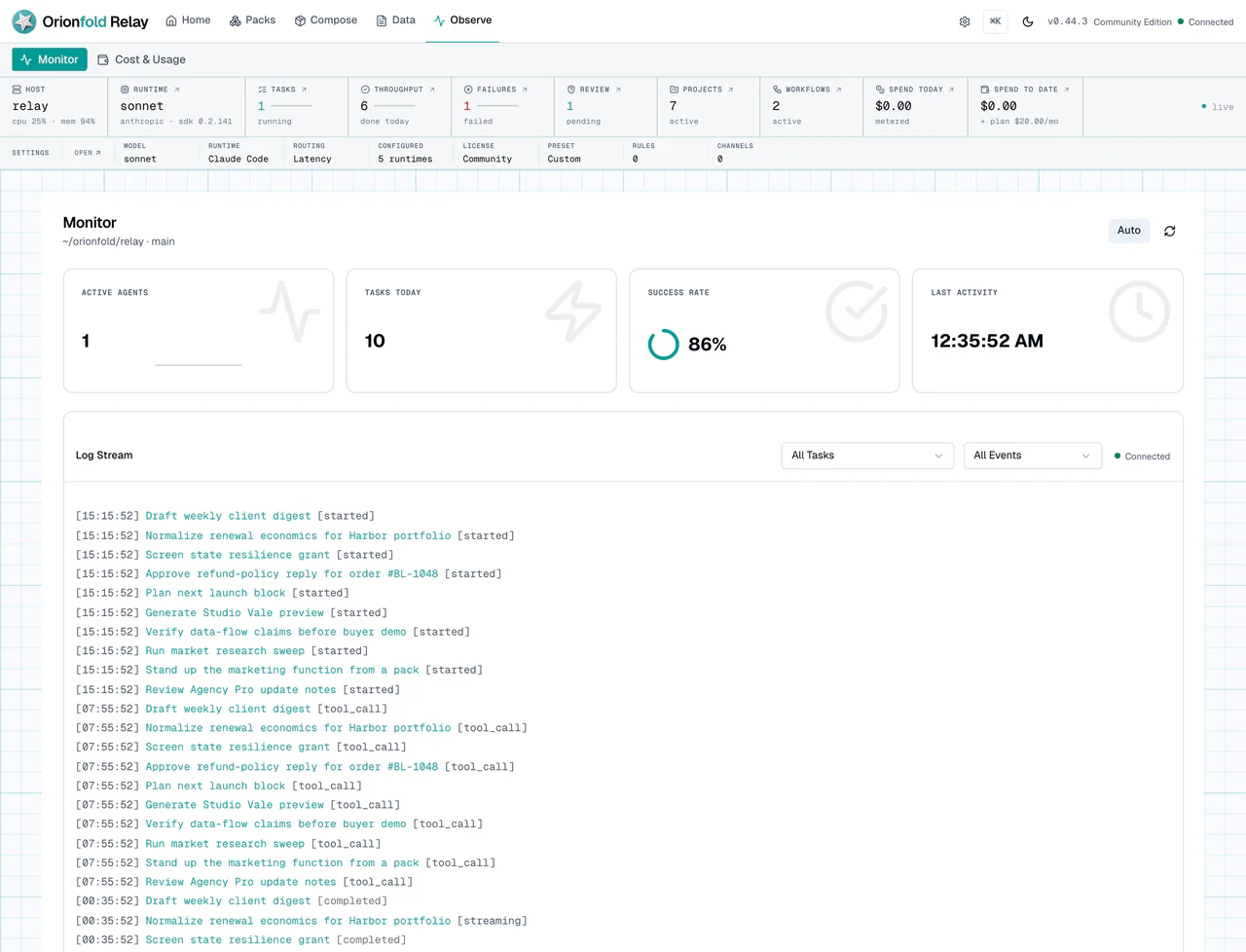
Chapter 08
Build And Publish A Small Website
Your content already has structure: services, proof points, and sections that fit in rows. Web Designer and Publisher turn that table data into a small static website, with a preview that matches what gets published. This chapter walks the build, so you do not hand-copy content into a separate site builder.
Read the chapter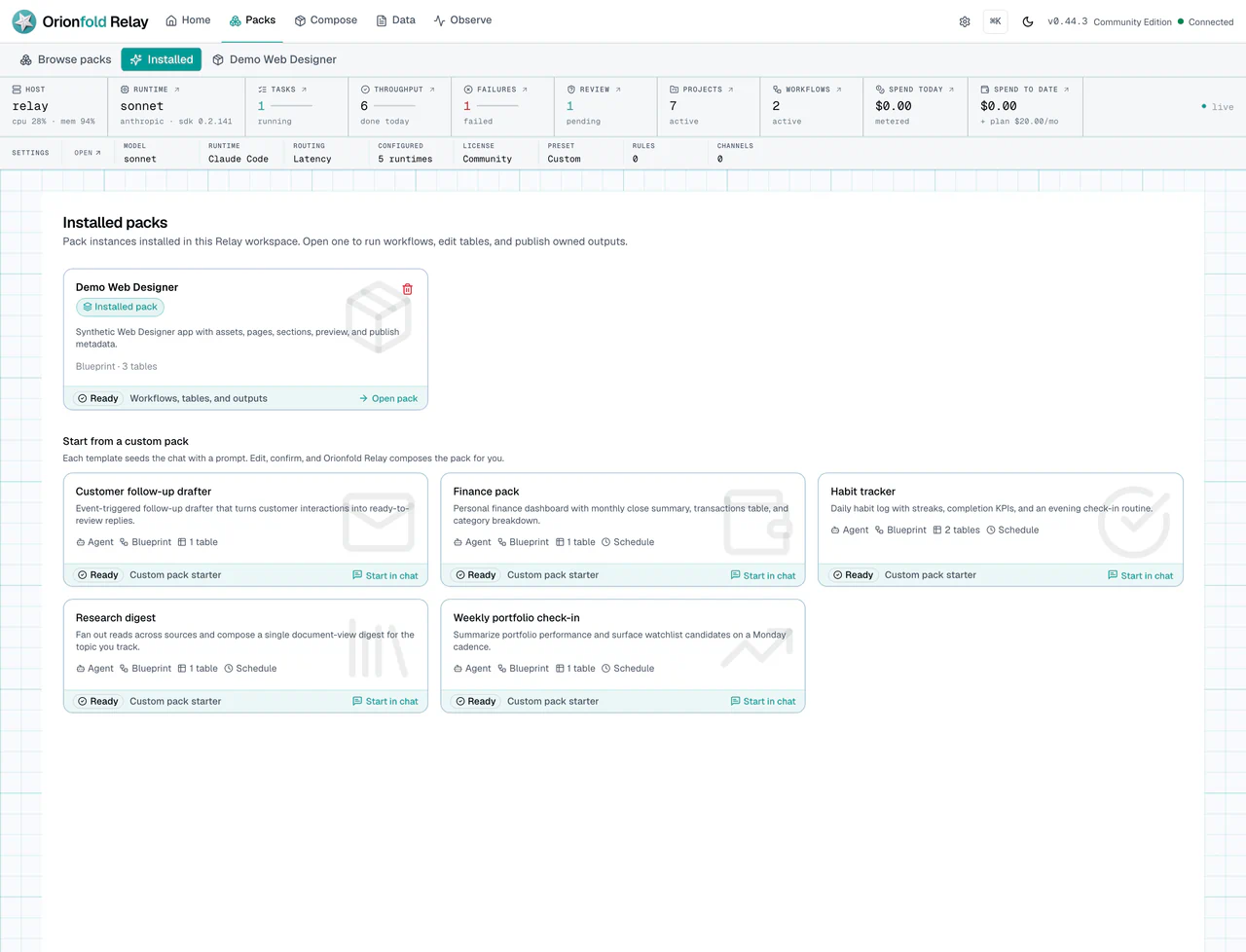
Chapter 09
Set Trust, Runtime, And Local Controls
Before real client work enters the app, you do one admin pass. You confirm Relay is running locally, which runtime carries model work, what license is saved, and where approvals will show up. This chapter is that final trust check, plus where to inspect cost and failures after a run.
Read the chapter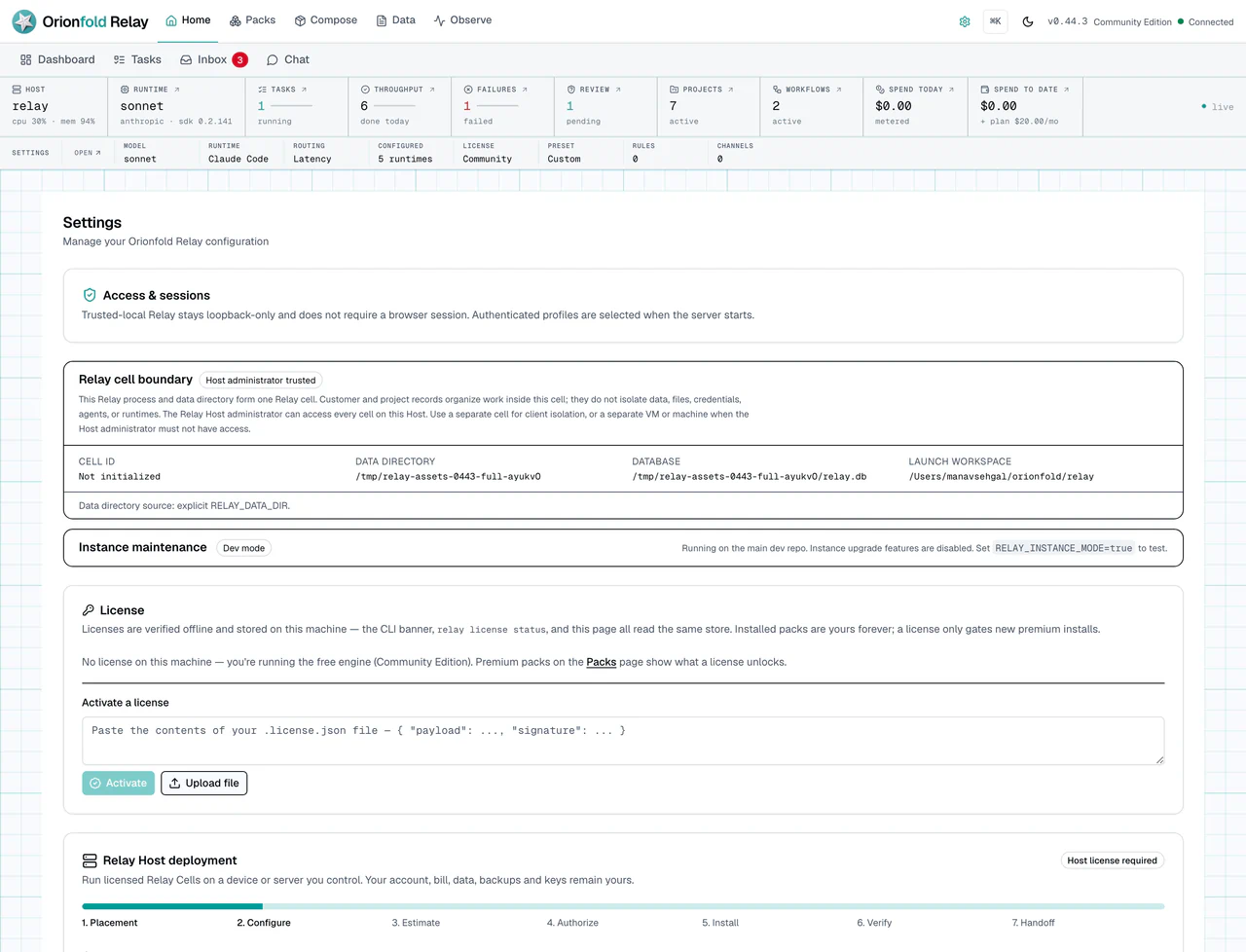

Orionfold Relay
Ready to run it yourself?
The engine is free and open. A license unlocks the premium packs you own and keeps them yours, offline. Founding seats from $349.
Explore Orionfold Relay